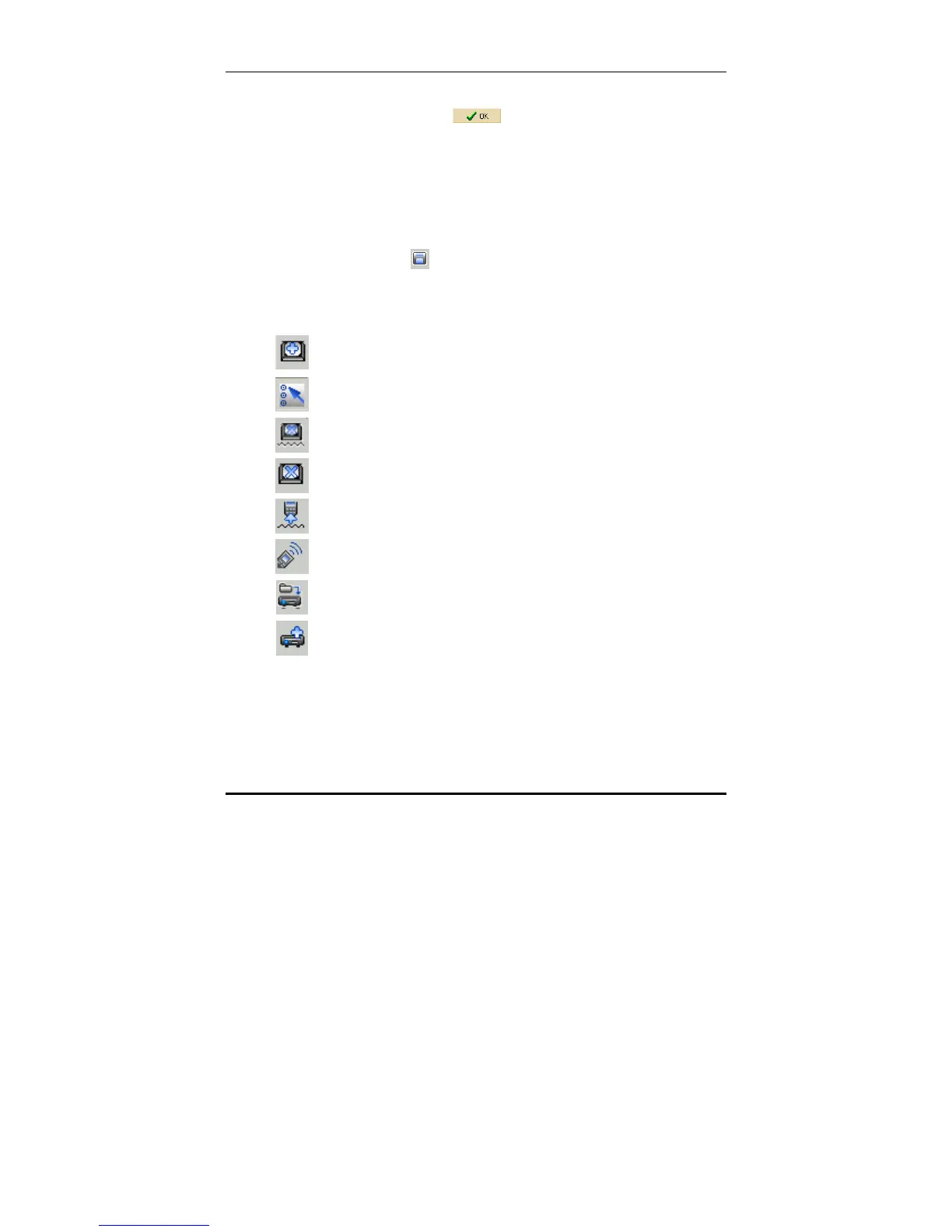
Device edit tool bar icons
15
8. Select the code you require from the pre-programmed
code list and click
.
Note:
• After the configuration, you need to download the new
VMCF file to SRC-7000 to make it active. See Chapter 6
Communications on page 44 for more information.
• You should also save a copy on your hard disk as a
backup. To save the current VMCF file, click the save
button
and name it so that you can find it again.
Device edit tool bar icons
To add a soft button.
To edit soft key properties, move key and resize key.
To delete soft key code.
To delete soft button.
To learn IR code into the key.
To shoot IR code.
To load pre-programmed code to device key.
To add a device with pre-programmed code.



 To Next Page