SRC-7000 User’s Manual
34
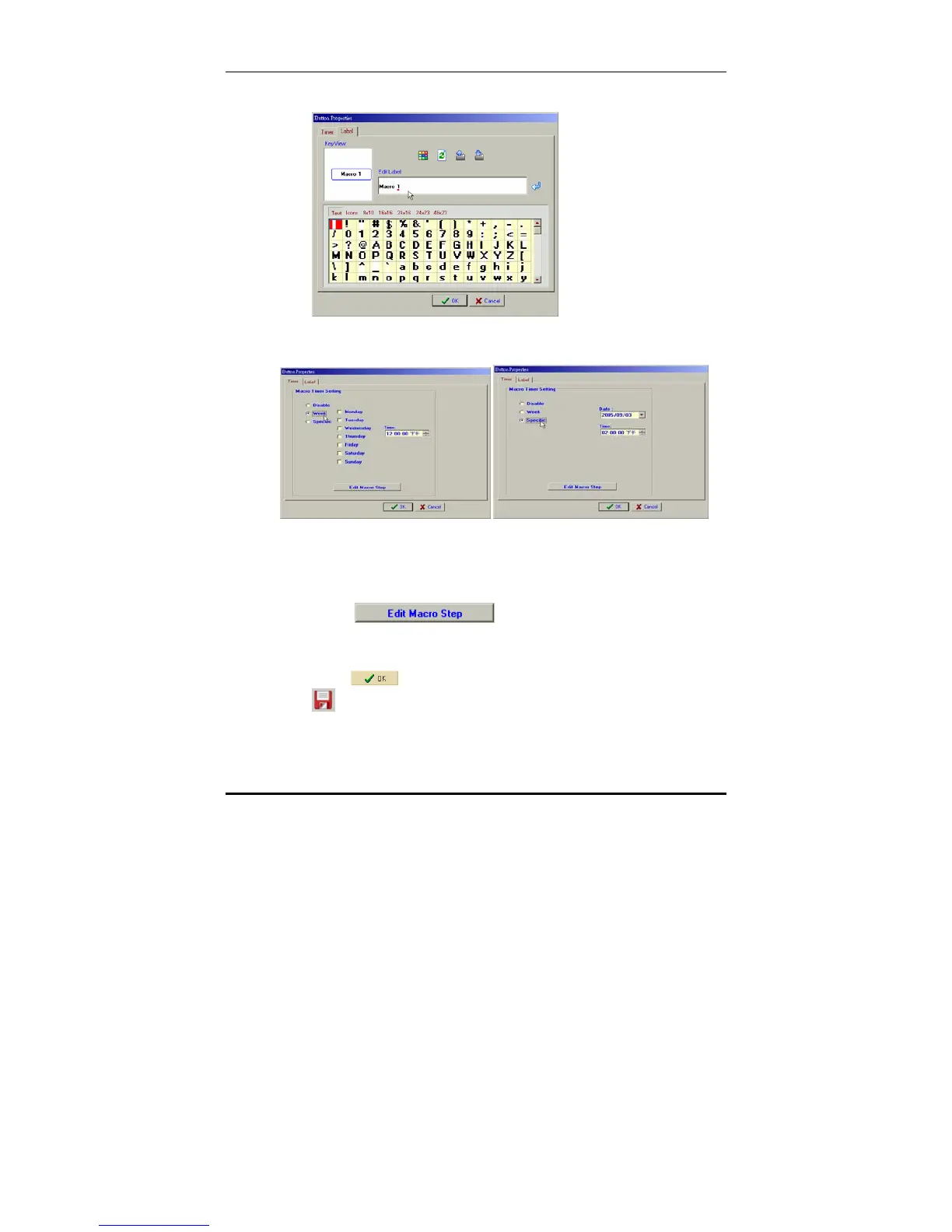
4. Add a label to the key using the on-screen keyboard.
5. Click the Timer tab.
6. Use the radio buttons and the drop down menus to set a
weekday for the macro to run, or a specific time and
date, or disable the timer function if it is not required.
7. Click
the Macro tab.
8. Define a macro as described in Creating a macro key on
page 28.
9. Click
to return to the LCD soft window, and click
to save the new configuration.



 To Next Page