Shooting the IR code
25
5. Point the SRC-7000 at the device.
If the learning process has completed, the new code
should be sent by the SRC-7000 and the device should
react accordingly. If the new key does not work, repeat
steps 7-10 to re-teach the code.
6. Press
to return to the LCD soft window view.
7. Press
on the device window to save the new key
function.
Note:
You will need to download the new configuration to the SRC-7000 to
make it active. See Chapter 6 Communications on page 44 for
more information.
You should also save a copy on your hard disk as a backup.
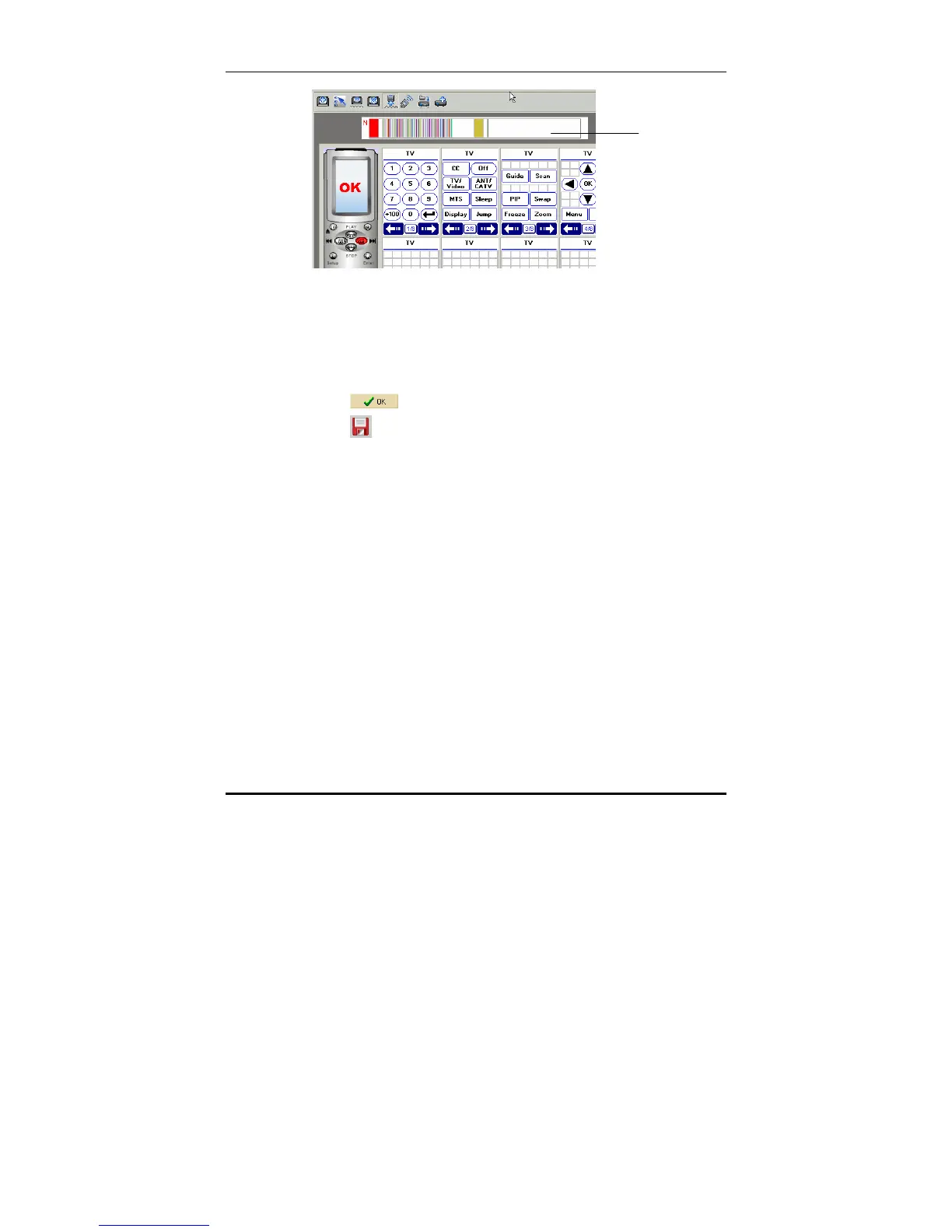
Shooting the IR code
After learning the IR code into the soft key or device key in the
SRC-7000, you can shoot the IR code to test the learnt codes.
1. Start the RemoteComm software as described in Starting
the software on page 7.
2. Connect the SRC-7000 to a PC as described on page 10.
IR code view



 To Next Page