SRC-7000 User’s Manual
36
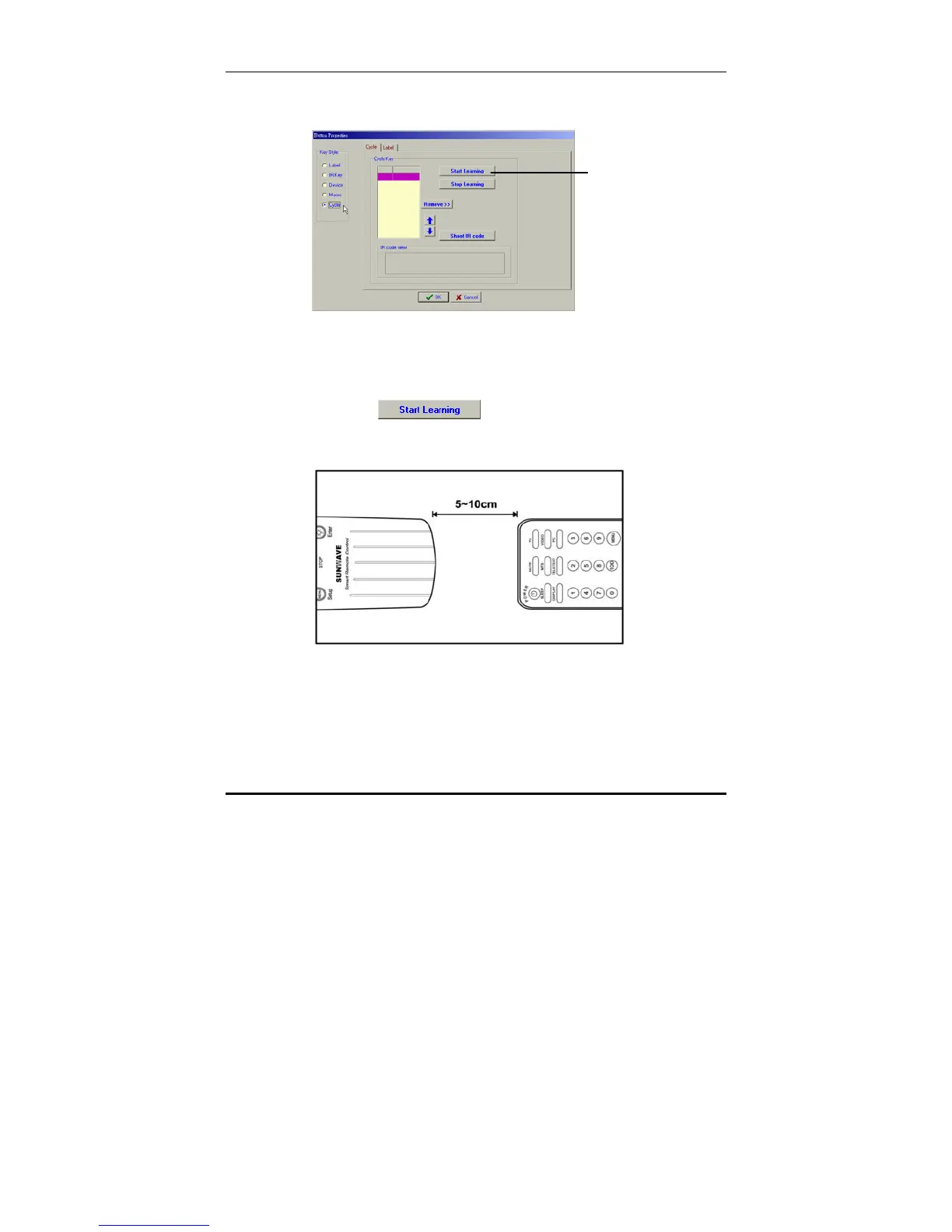
6. Click the Cycle radio button to define the new key as a
cycle key.
7. Select the Cycle tab.
8. Connect the SRC-7000 to the PC as described in
Connecting the SRC-7000 to a PC on page 10.
9. Click the
button.
10. Point the original remote control at the bottom of the
SRC-7000. Press and hold the key you want to teach.
The SRC-7000 beeps when it has learnt the new key. A
graphical representation of the IR signal appears in the IR
Code View box.
Start learning Button



 To Next Page