SRC-7000 User’s Manual
54
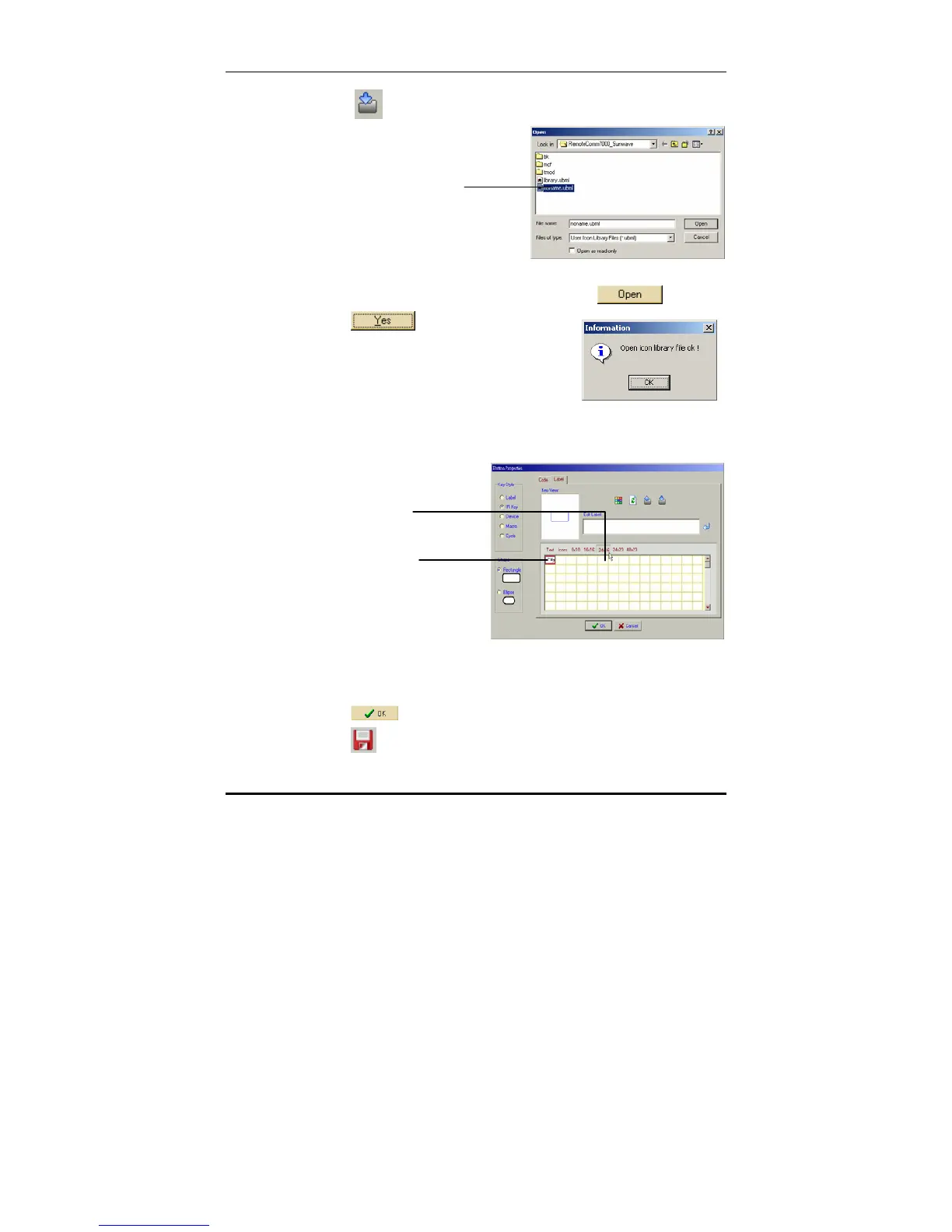
3. Click Inport user icons library .
4. Select a library file from the list and click
.
5. Click
when the
confirmation message appears.
The new icons will appear in the user defined icons pages
under the label tab in the properties window.
6. The user-defined icons can be added in the same way as
text or pre-defined icons.
7. Click
to return to the previous screen.
8. Click
to save your new key.
Select a library
file from the list



 To Next Page