Installing Batteries
5
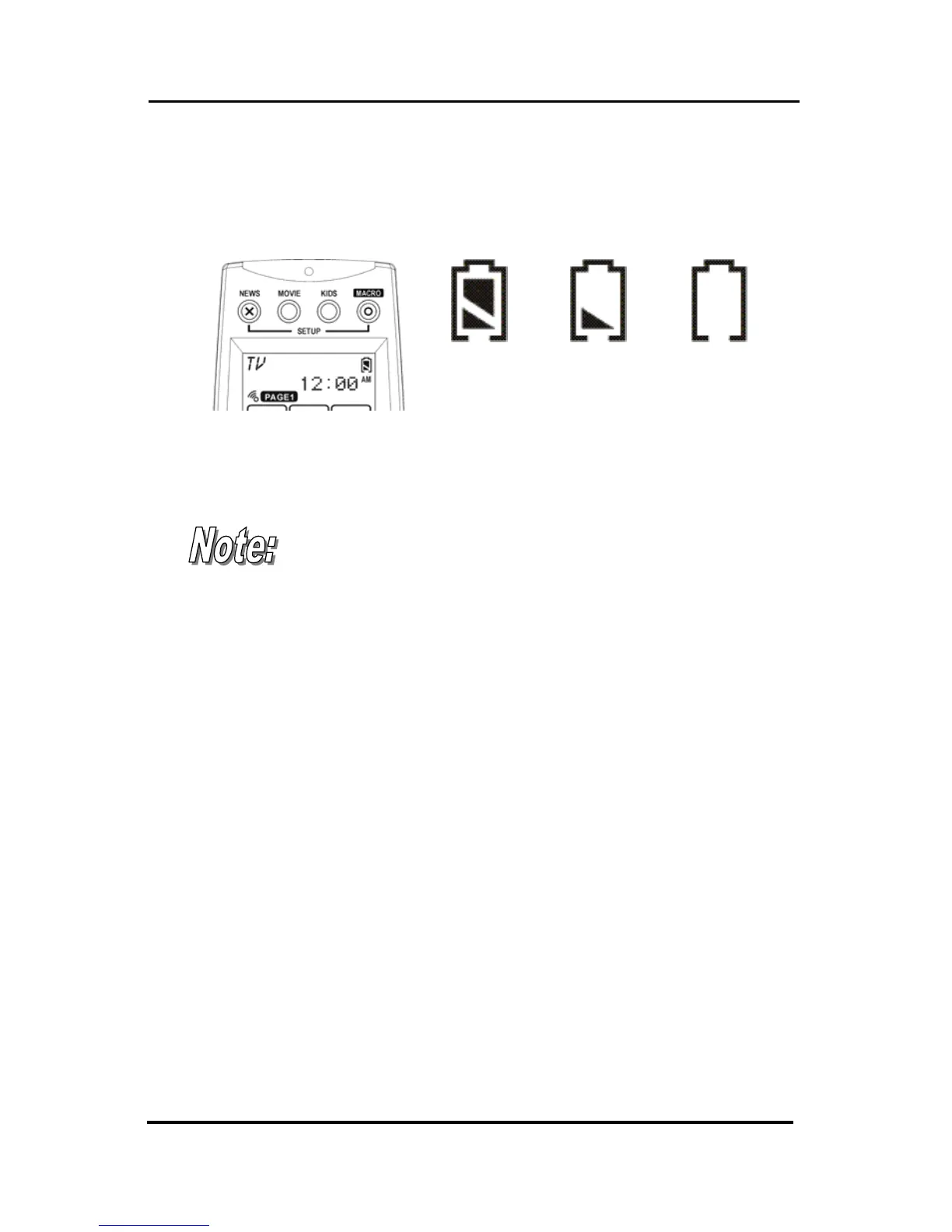
Battery Indicator
A battery power icon is displayed in the top right
corner of display.
Power
full
Power
half of full
Power
low
Figure 2: Battery Power Icon
When it gradually runs out of power, the low power
icon will appear.
When the battery low icon appears, you are not
allowed to enter in the setup mode.
Battery Tips and Precautions
• Immediately replace batteries when the battery low
icon appears.
• The SRC-3820 will not lose programmed data when
batteries are replaced, but will reset the time.
• Be sure to install fresh batteries. Alkaline batteries are
recommended. Do not mix different types of batteries.
• Be sure that the positive (+) and negative (–) polarities of
batteries match the diagram as shown in the battery
case.
• Do not expose batteries in the heat or flame.
• Keep batteries out of children.
• Low power batteries will reduce the control distance of
remote.
• Remove used batteries when used longer than two
years.



 To Next Page