Miscellaneous Menus
39
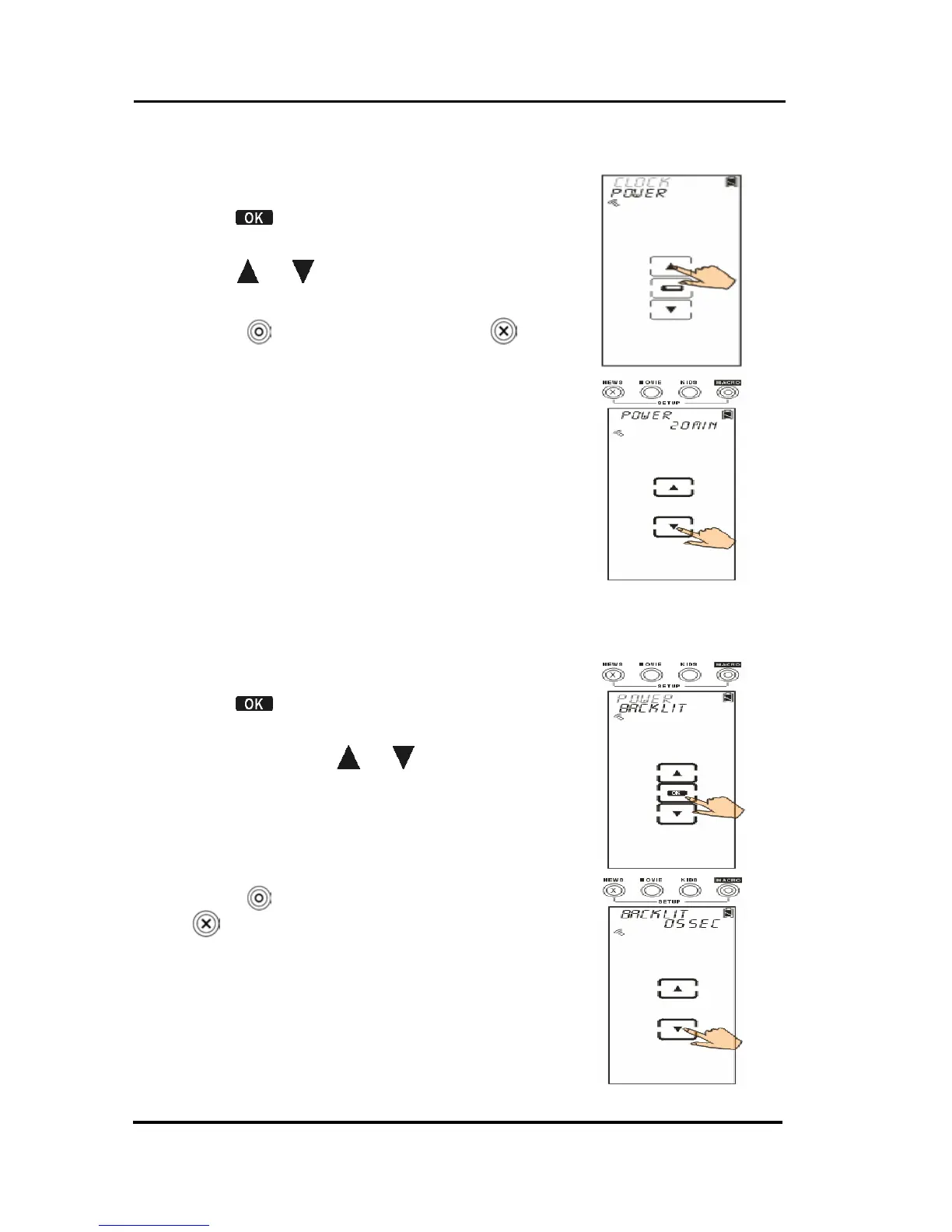
Setting the Power Time
1. Select power option.
2. Tap
to confirm.
3. The default time period is 20 minutes.
Tap
or to set desired time
(1~90 minutes).
4. Press
to confirm settings or
to
exit.
Setting the Backlight
1. Select backlit option.
2. Tap
to confirm.
3. The default time period is 10
seconds. Tap
or to set desired
time (00~60 seconds).
Note: If you choose 0 second, the
Backlight function will be
disabled.
4. Press
to confirm settings. Or, press
to exit.



 To Next Page