SRC-3820 User’s Manual
26
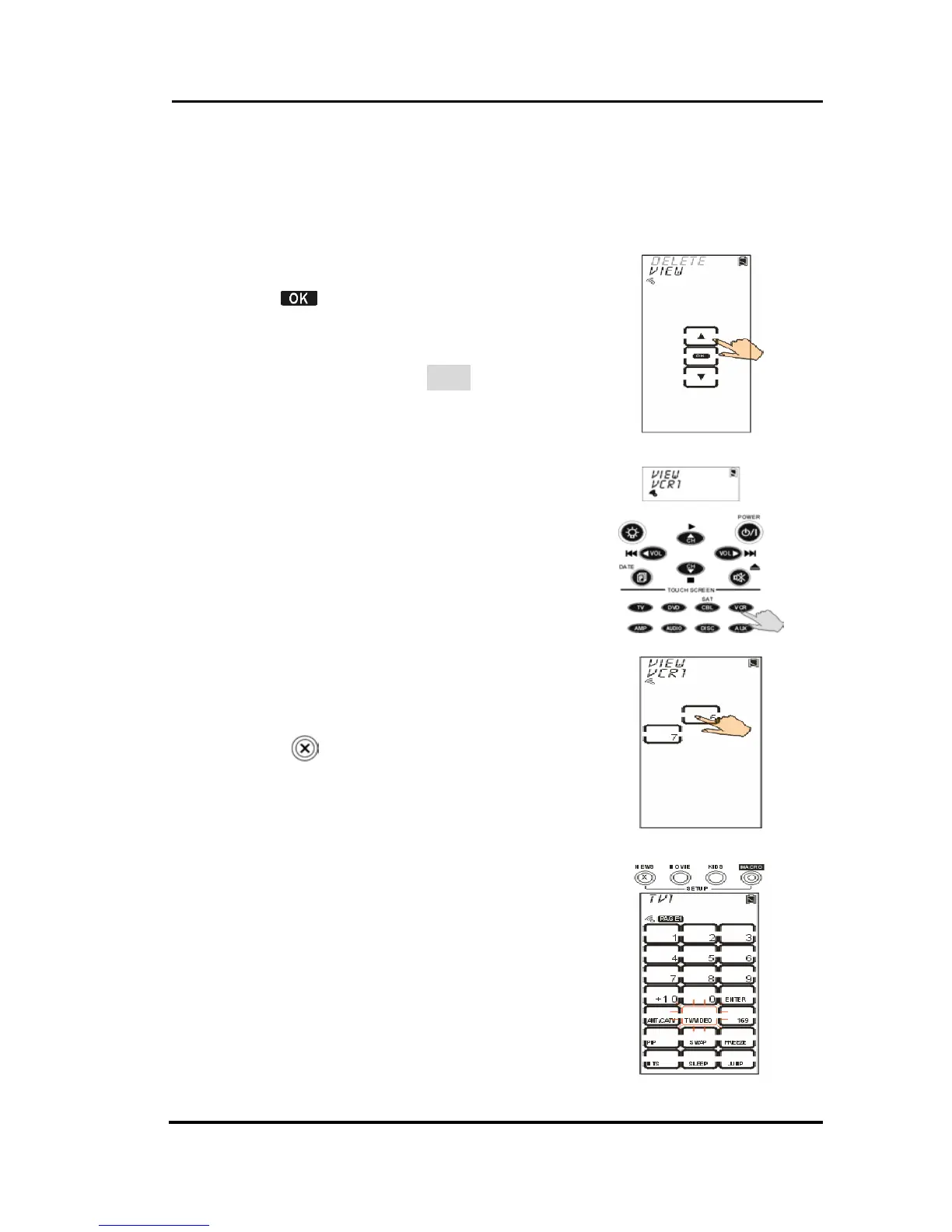
Viewing a Macro
The section will instruct you how to display preset
commands of a macro key.
1. Select View option.
2. Tap
to confirm.
3. Press the target device which
stores the macro key you desire to
review its content (VCR for
example)
4. Tap the said macro key. On
screen, it will display a series of
commands step by step.
5. Press
to exit.



 To Next Page