Using Timer
31
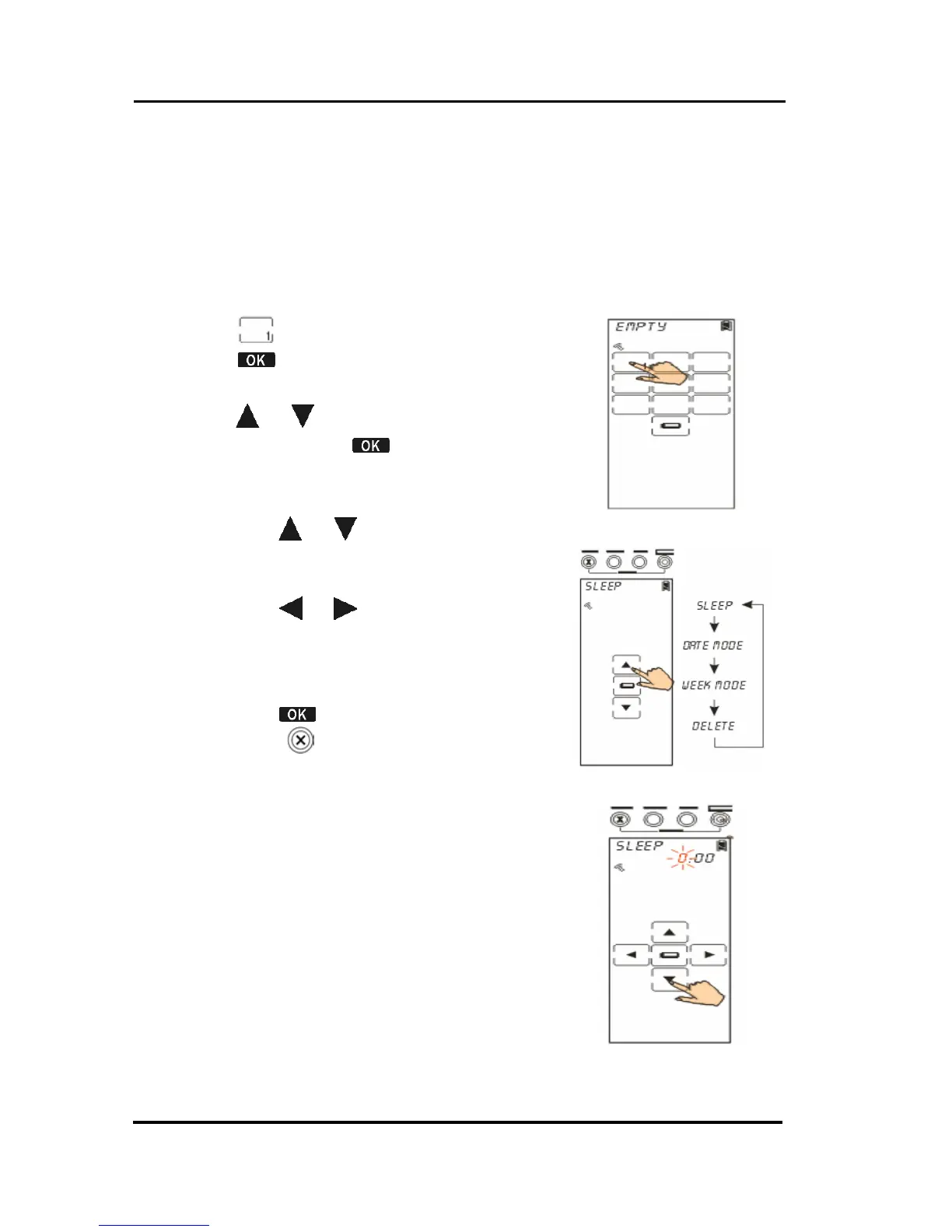
Creating a timer at the SLEEP mode
A device with sleep mode enables you to turn its power
off after a time period. If the timer function links up
macro function, it enables the SRC-3820 to implement
commands at the specific time.
1. Tap key for an example.
2. Tap
to confirm and enter timer
options
.
3. Tap
or to search the SLEEP
mode, and tap
to confirm and
enter the timer setting screen.
4. Edit the timer
• Tap
or to search desired
time (0~23 for hour, 0~59 for
minute).
• Tap or to select hour
setting or minute setting. The
character will blink when cursor
moves to there.
• Tap
to confirm settings. Or,
click
to exit.



 To Next Page