Code Menu
15
Using Pre-code to Program Devices
The section will instruct you how to program a device
using preprogrammed codes.
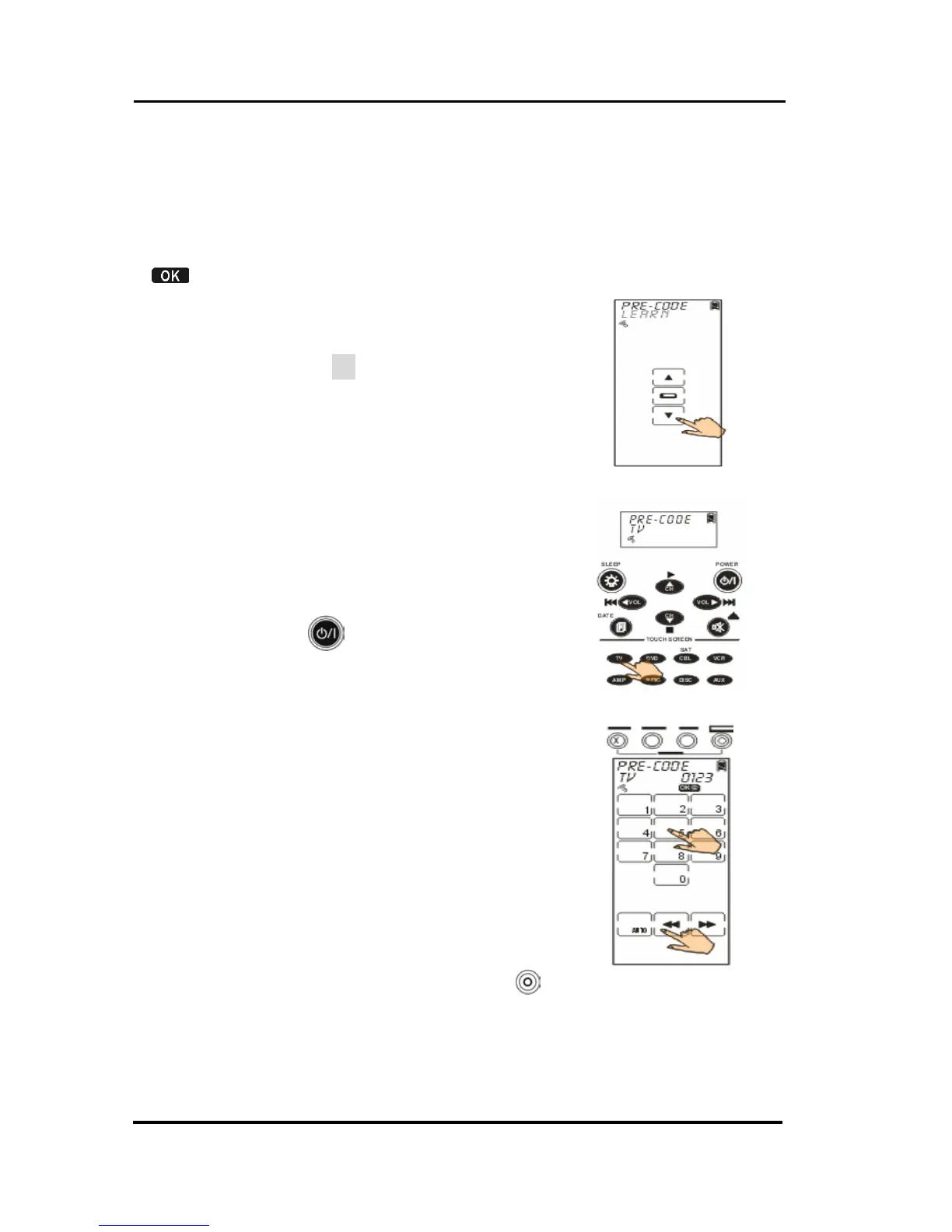
Enter the setup mode, select PRE-CODE option and tap
to enter the Pre-Code menu.
Selecting the code manually
1. Select a device that you desire to
program in (TV for example).
2. According to the device’s brand
and model, you are able to figure
out plug-compatible codes from
the preprogrammed codes list. In
case there is nothing found in the
code list, please try the Learning
function.
3. Enter the four-digit code number
which you found from the code list
and press
to confirm settings.
4. To make sure the selected code
accuracy, please press Power
button for testing. If the device
could be turned on by SRC-3820,
you might take right code. For
more identification, go on trying
other keys. If code is incorrect,
please return to Step 3 to try
another code until the end.
Note: Some codes may be
compatible for several
models.
5. If code is correct, please press
to confirm settings and exit.



 To Next Page