SRC-3820 User’s Manual
38
Setting the Date and Time
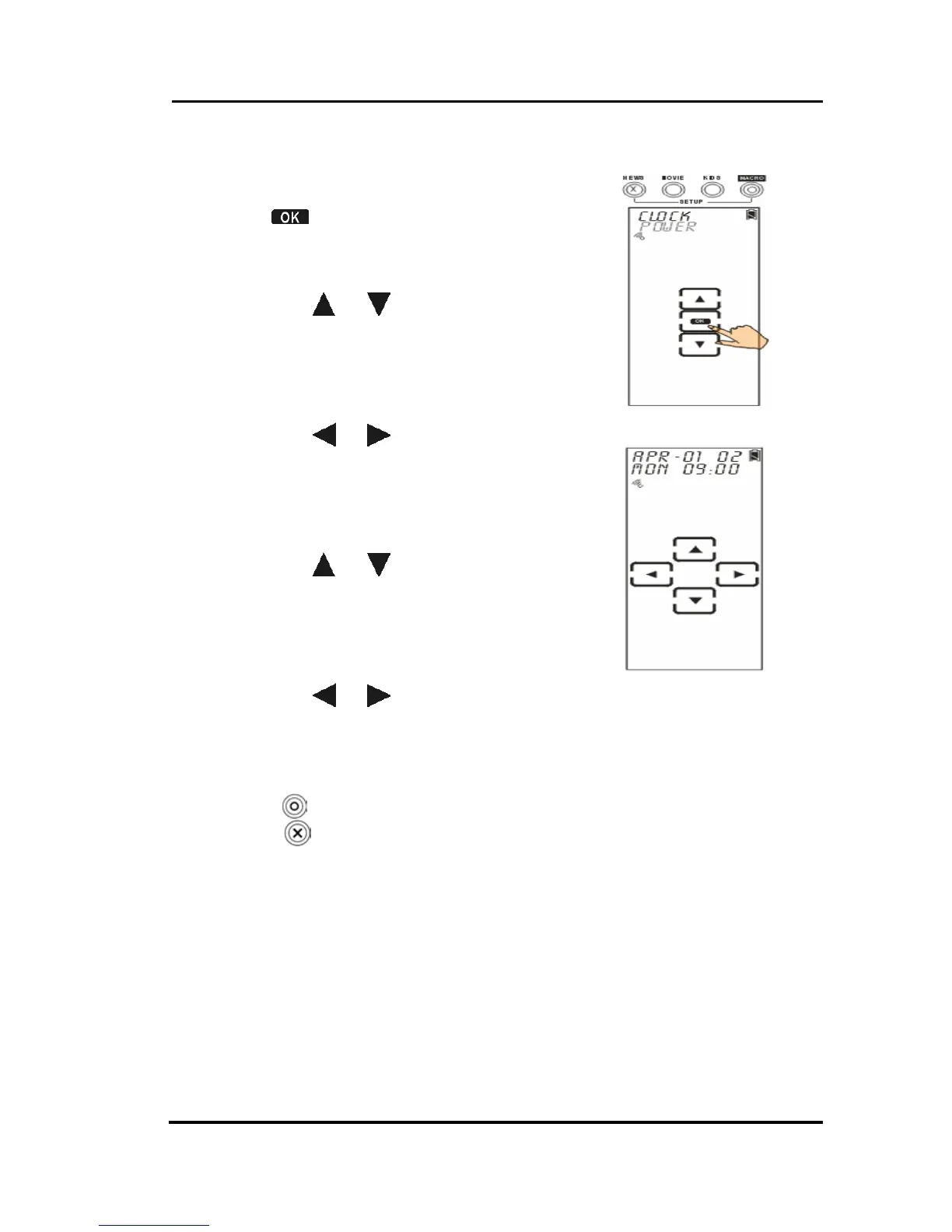
1. Select CLOCK option.
2. Tap
to confirm.
3. Enter the date and time
When setting date:
• Tap
or to search desired
month, day and year
Month: Jan~Dec
Day: 01~31
Year: 02~50 (2002~2050)
• Tap
or to select month,
day, or year setting. Each
character will blink when the
cursor moves to there.
When setting time:
• Tap
or to search desired
time
Hour: 1~12am and 1~12pm (12
hours format)
Minute: 00~59
• Tap
or to select hour or
minute setting. Each
character will blink when the
cursor moves to there.
4. Press
to confirm settings. Or,
press
to exit.



 To Next Page