SRC-3820 User’s Manual
28
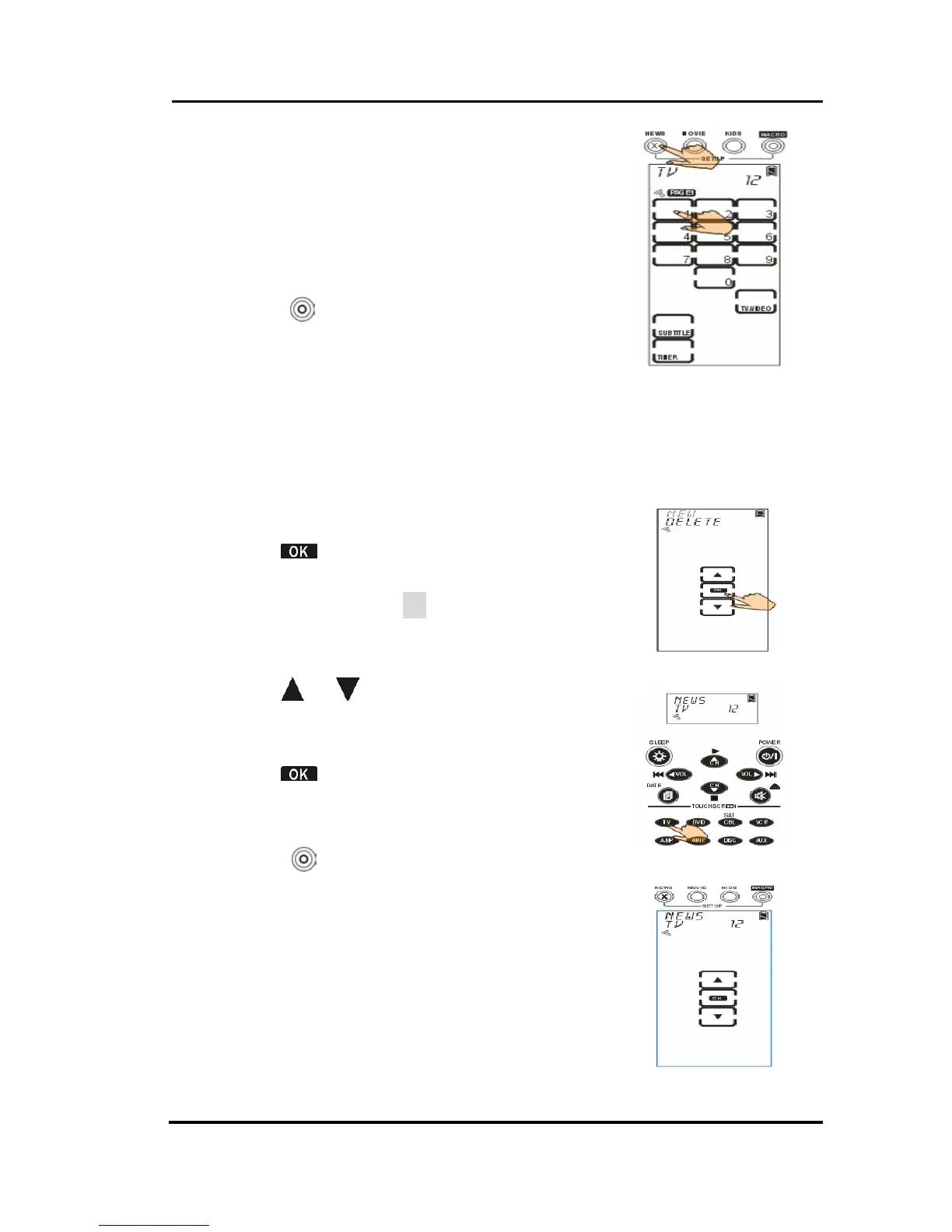
4. Input the channel number you like
(e.g. 12).
5. Select a QUICK CH to store the
channel (e.g. NEWS).
6. Repeat steps 4 ~ 5 to input other
channels.
7. Press
to confirm settings and exit.
Deleting a QUICK CH
This section will instruct you how to delete a QUICK CH
group.
1. Select delete option.
2. Tap
to confirm.
3. Press the target device that you
desire to set up (TV for example).
4. Select target QUICK CH group (e.g.,
NEWS).
5. Tap
or to find out which
channel number you desire to
delete.
6. Tap
to delete the channel.
7. Repeat Step 5~6 to delete other
channels.
8. Press
to exit.



 To Next Page