SRC-3820 User’s Manual
18
5. At the target remote control
side, you are required to press
the corresponding button as
same as the key while it is
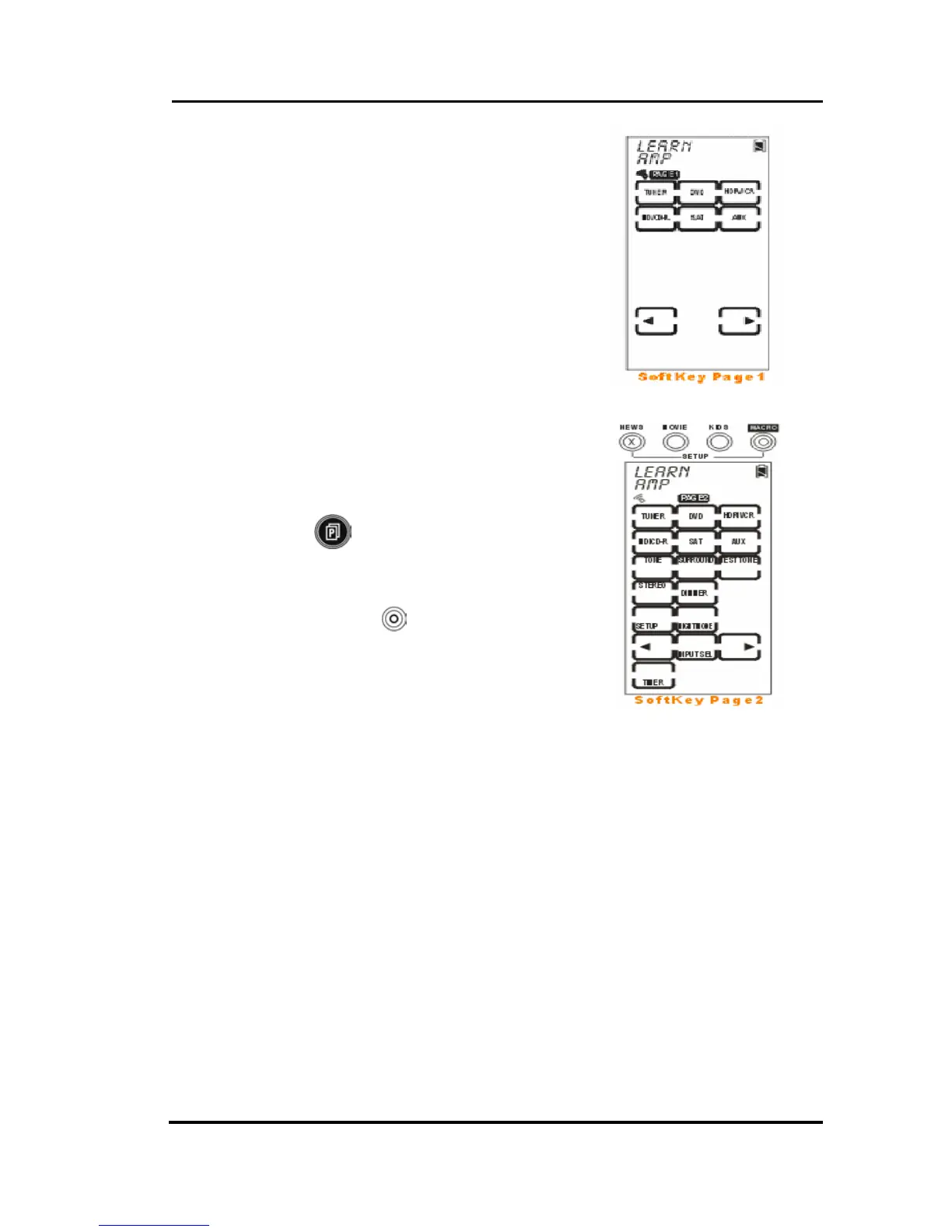
flashing on the screen of SRC-
3820. If the code is successfully
learned, the screen will display
an “OK” message. If not, it will
display an “ERROR” message.
6. If needed, you also can tap
desired soft key and make it
flash to learn code.
Note: Each device has 3 pages
of default soft keys while
Learning. You can press
to move on next
page.
7. When all keys have learned,
please press
to exit the
Learning mode.



 To Next Page