19-38 C D/B O’ M
C F S
19-38 Combo Flatter abrasive strip changing
Unplug sander
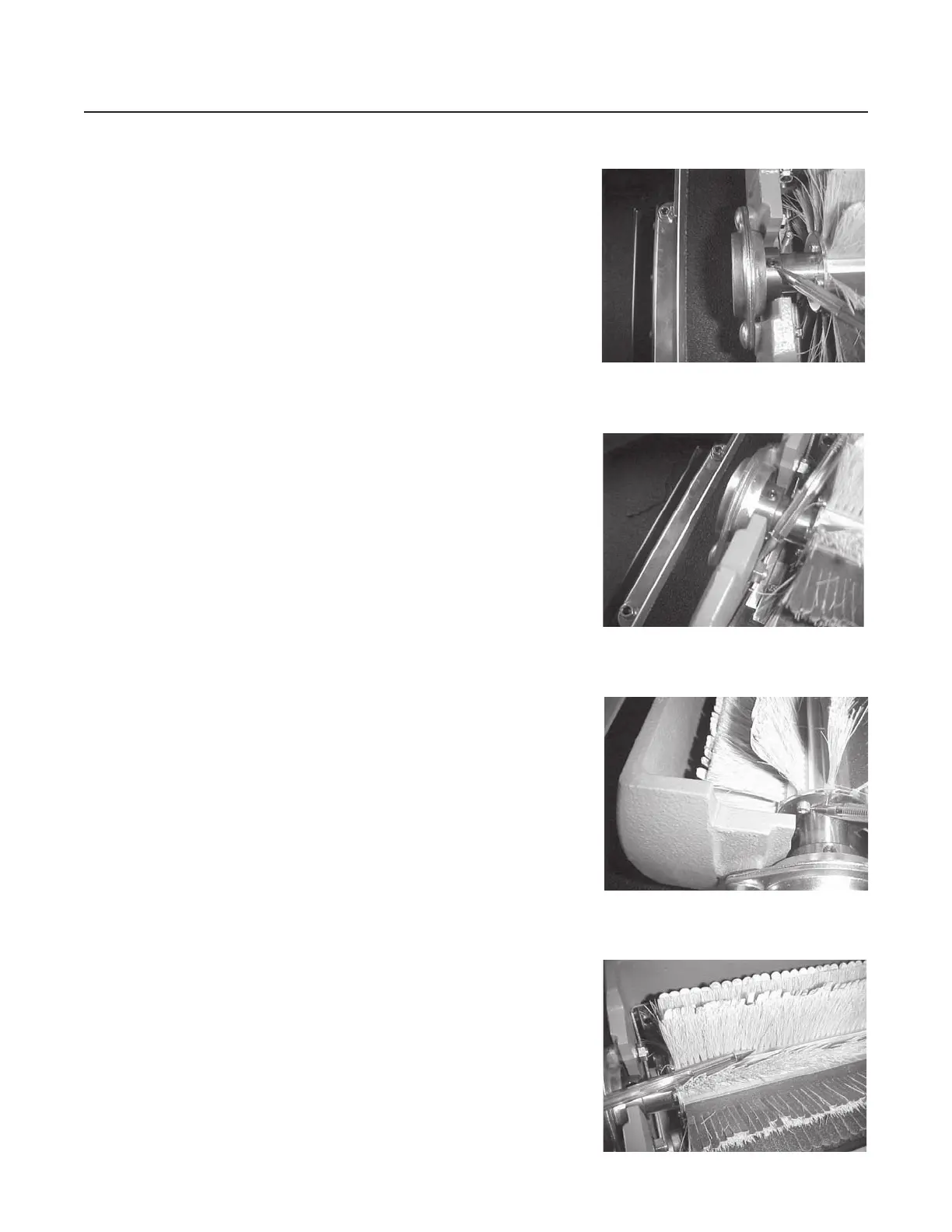
Loosen two set screws from outboard (left) brush
support bearing
Remove two 3/8” carriage bolts from outboard brush
support bearing
Remove outboard bearing from shaft of brush
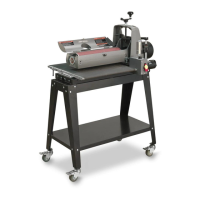
Remove four screws from end-caps of outboard side of
brush head
Remove two end caps
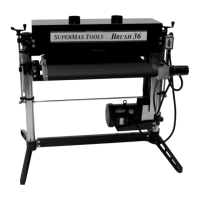
Pull strips of abrasive from outboard side of brush
head. Remove one strip at-a-time
Replace strips by sliding them into brush head.
Abrasive side must face “up” on infeed or front of
brush head.
Note: Abrasive side of strips must be oriented so
abrasive side contacts top of stock as it passes through
sander.
Replace end caps of brush head and install four screws
Reinstall bearing and tighten the two 3/8” carriage
bolts
Tighten the two set screws, in the bearing, to the
brush shaft
Close dust cover
Plug in sander
Fig. 14D
Fig. 14A
Fig. 14B
Fig. 14C


 To Next Page