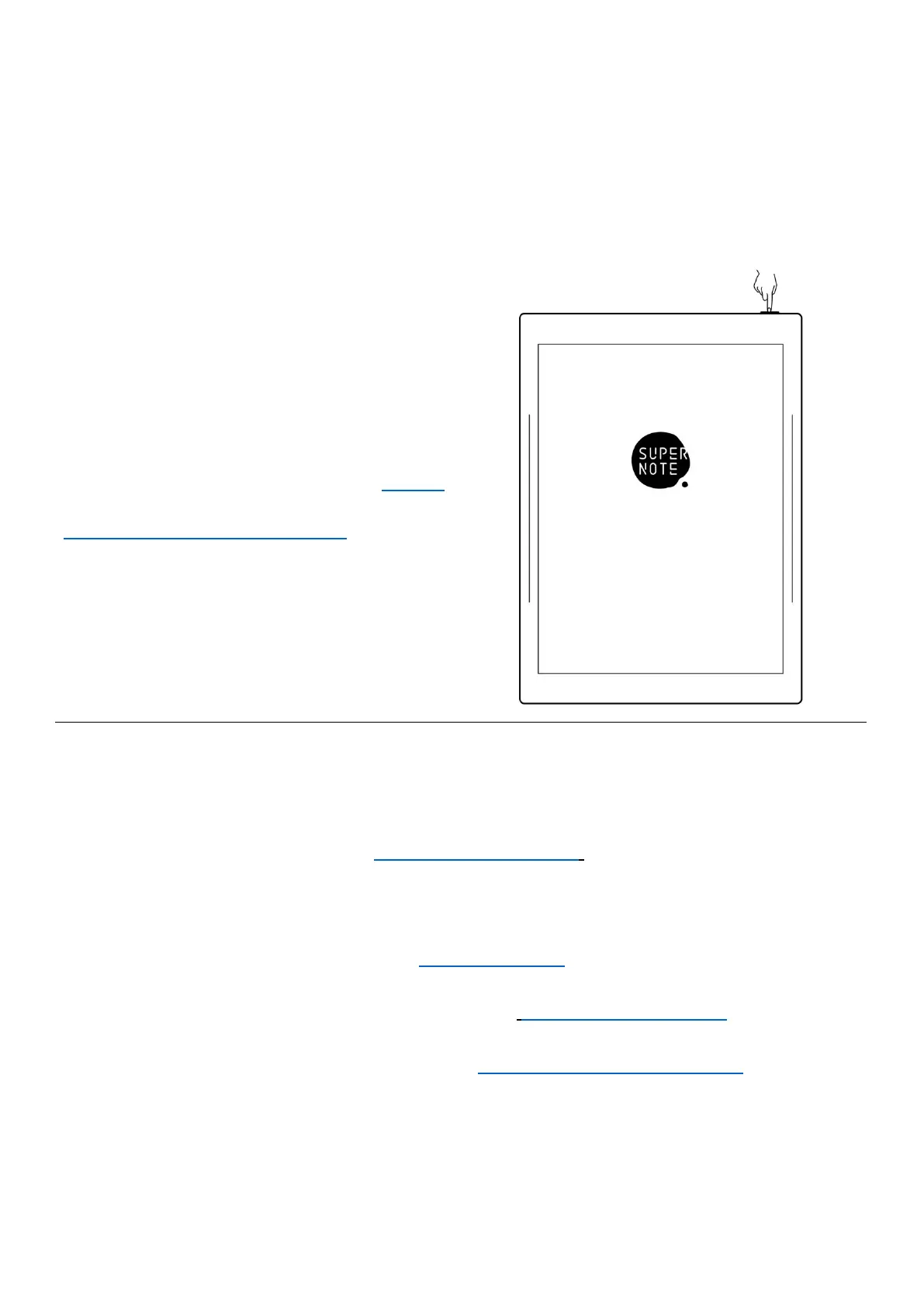
1、 Hold the power button on the top right
corner of device, until the Supernote
logo appears
If cannot turned on, the device might need
to be charged (Please refer to FAQ: Unable
to power on or freezing problem for help).
2、 After first power on, please follow the instructions to complete initial settings:
System languages: English, Japanese, Simplified Chinese and Complex Chinese
(Please refer to the chapter Language
,
date& time for more help)
Select DMS (Device Management Server) location
Connect to Wi-Fi(Please refer to Connect to Wi-Fi)
Set date & time(Please refer to the chapter Language
,
date& time for more help)
User experience project(Please refer to User experience project on/off)
Set hand dominance(All Illustrations in this user manual take the right-hand mode
as an example.)



 To Next Page