*Note: Links can only be created and tapped on the visible main layer. (You can only
create links in notes for now.)
4.11 Using real-time recognition notes
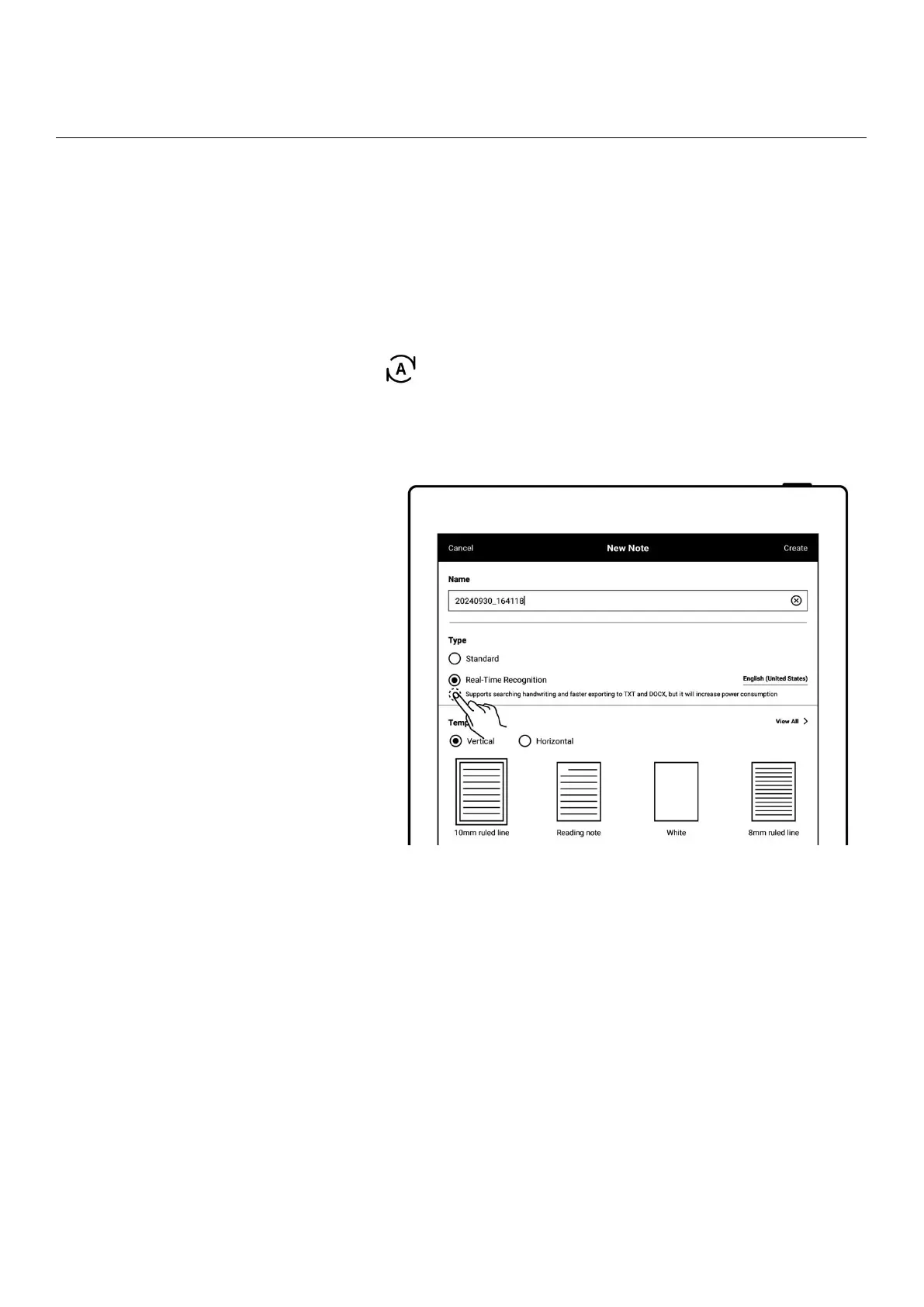
This type of note is marked with “ ”in “Files”and supports searching for recognized
handwritten text, but doesn’t support layers.
1、 Create a real-time
recognition note
When creating a new
note, select the note type
as “Real-Time
Recognition”
Select a handwriting
recognition language for
the note (which cannot be
changed once the note is
created)



 To Next Page