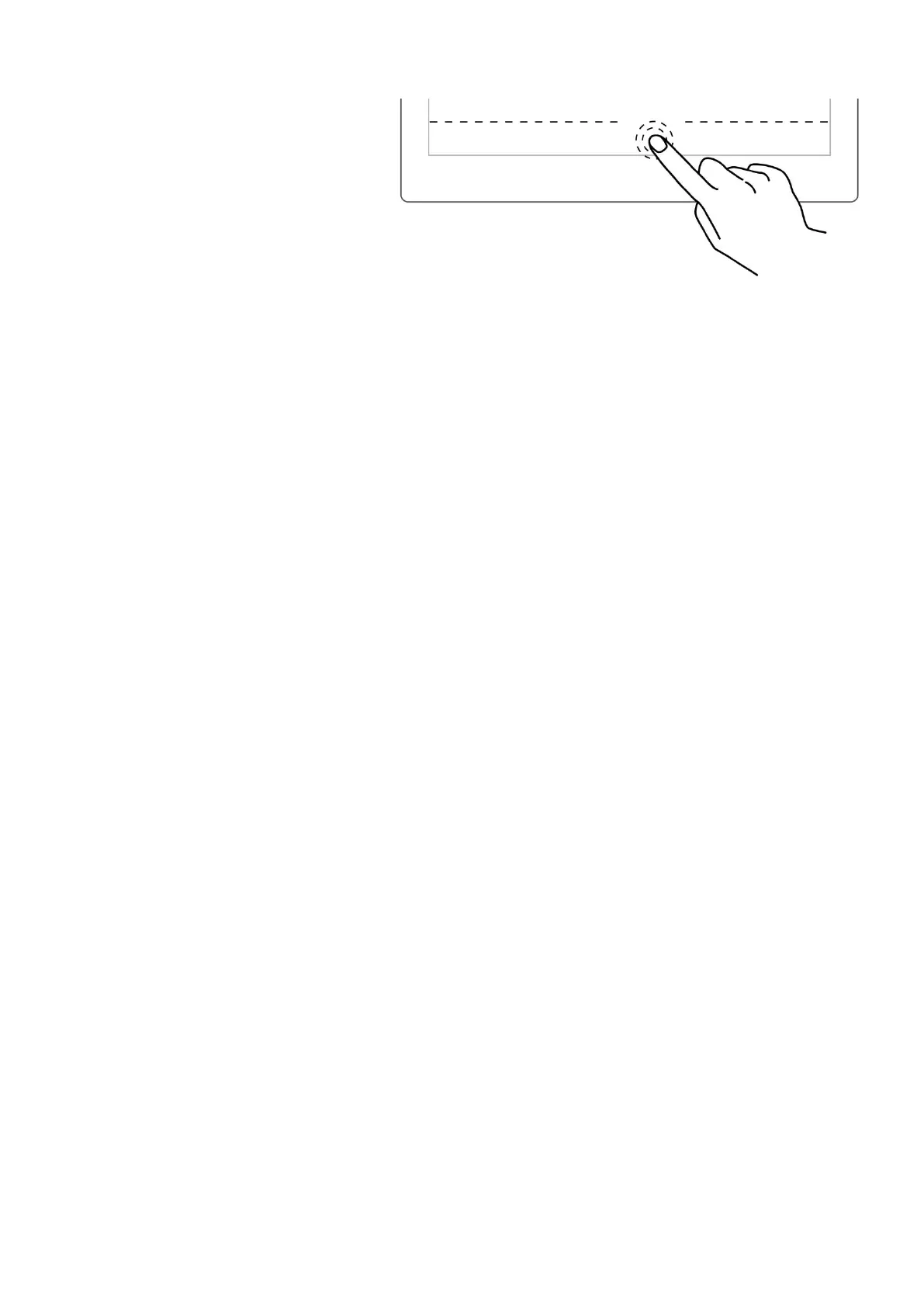
2、 Double tap with one finger
again at the page number bar
area to display it
*Note: You can move the position
of page number bar at the top or
bottom of the screen by
“Toolbar>More>Preferences”;You
can choose to toggle on/off the
page number bar gesture by going
to “Toolbar>More>Gesture
Settings”



 To Next Page