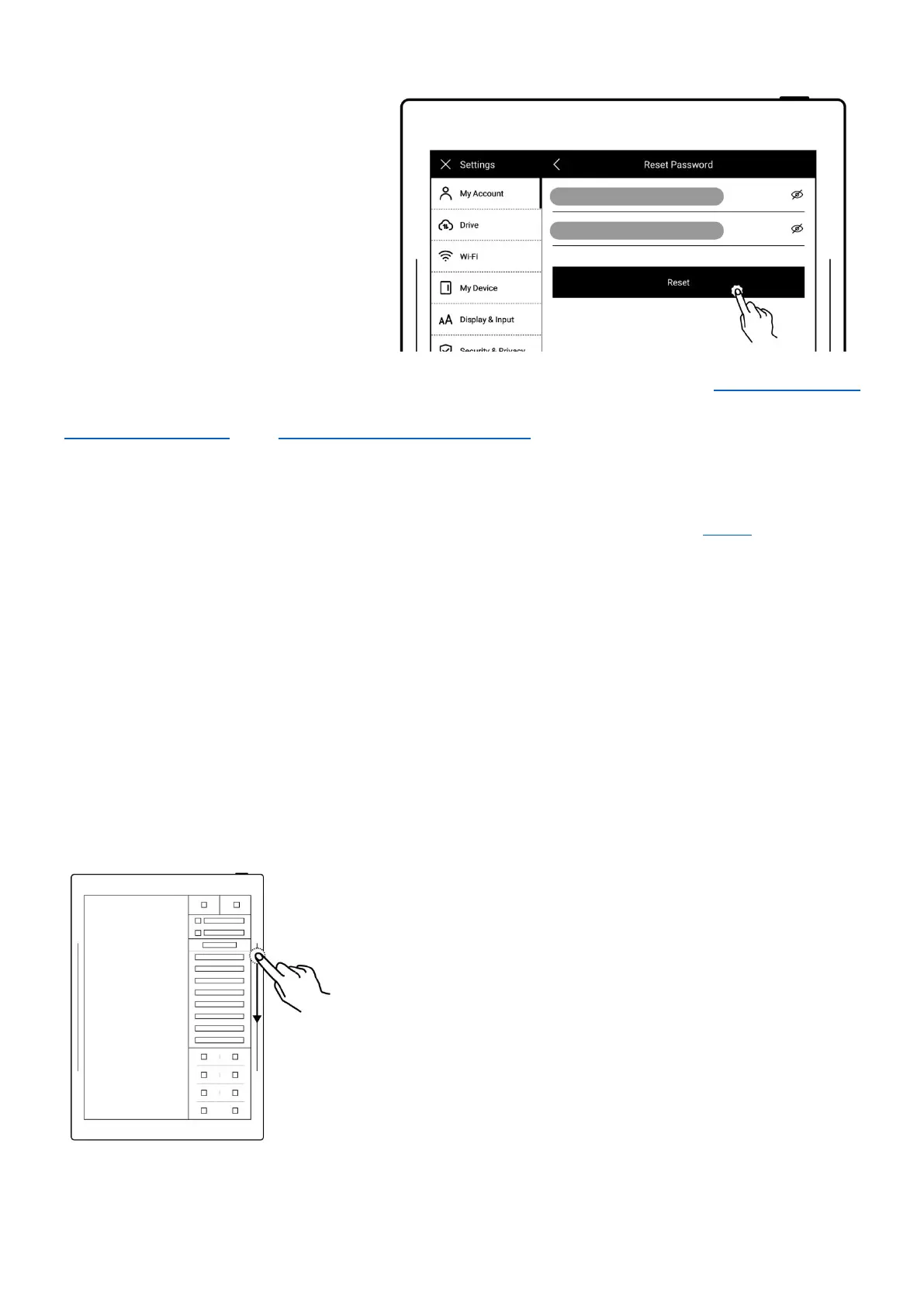
Enter your new password
twice
Tap “Reset”
*Note:Log in to bind your Supernote device to your account. (Refer to "Register and log
in supernote cloud" or " Quick log in on Mobile APP " to get more registration methods).
The device can be only bound to a sole account and you have to reset the device to
factory settings if you want to switch to another account (Refer to "Reset" to restore
factory initialization settings).
Chapter 2 Gestures and toolbar
2.1 Gestures
Note: The following are examples of right-hand mode
Activate the sidebar menu
One-finger slide down on the right sidebar(Right-handed
Mode);
One-finger slide down on the left sidebar(Left -handed
Mode).



 To Next Page