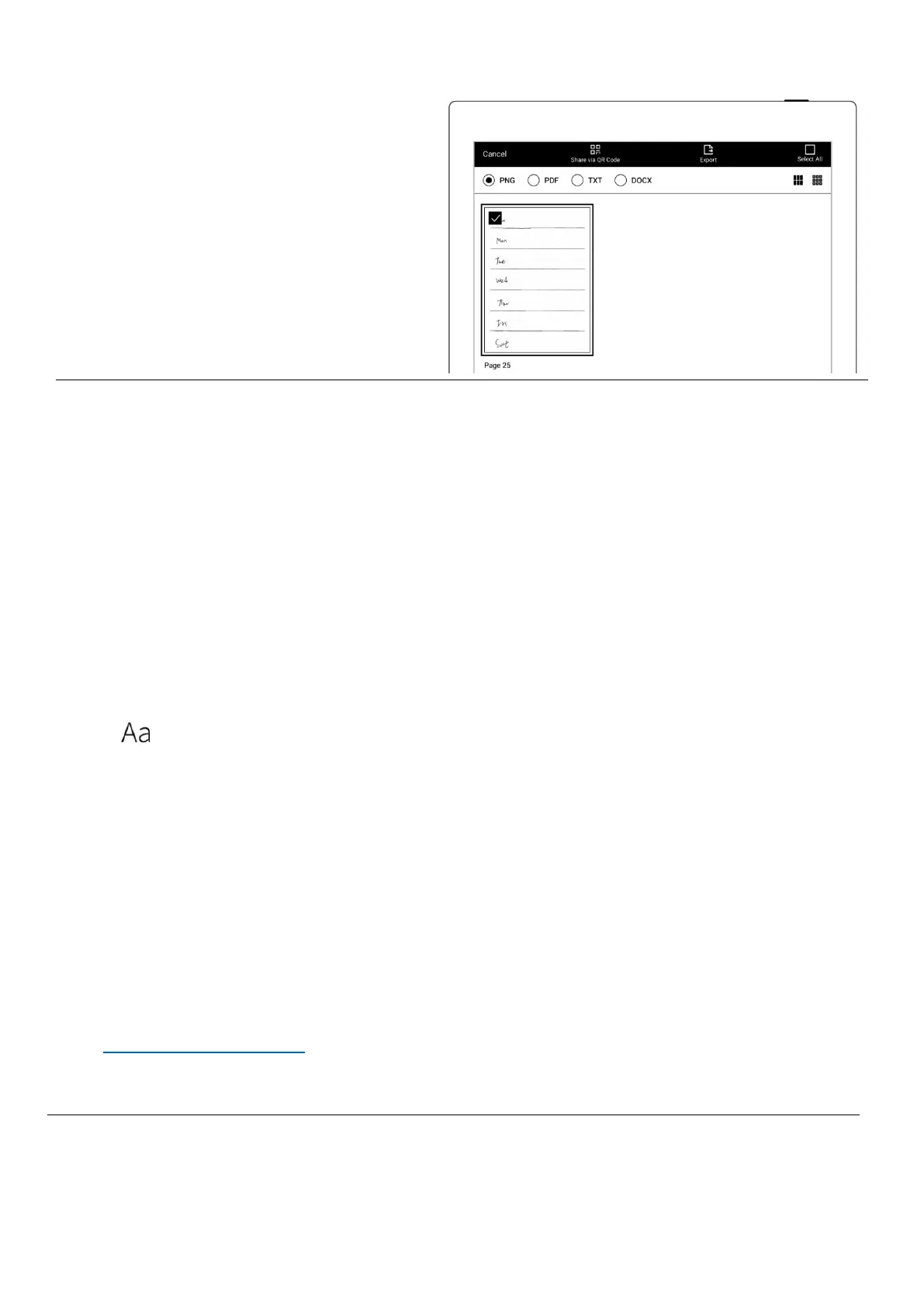
2、 Export it with PNG format
3、 Find the exported file in the “Export\” directory and copy/move it to the
“Mystyle\” directory.
Q:How to import document customized fonts
A:
1. Connect Supernote device and PC via USB, create a folder named "fonts" under
Document directory, then put the fonts to be imported under this folder.
2. Tap " ", click the pull-down box to view and select the imported font(s).
*Note: You can also create a "fonts" folder under Document on Supernote cloud or
Supernote Partner APP, and import fonts to Supernote device by synchronization.
Q:How to get Supernote Partner APP?
A: You can search Supernote Partner Google Play and App Store, or download it directly
from https://supernote.com



 To Next Page