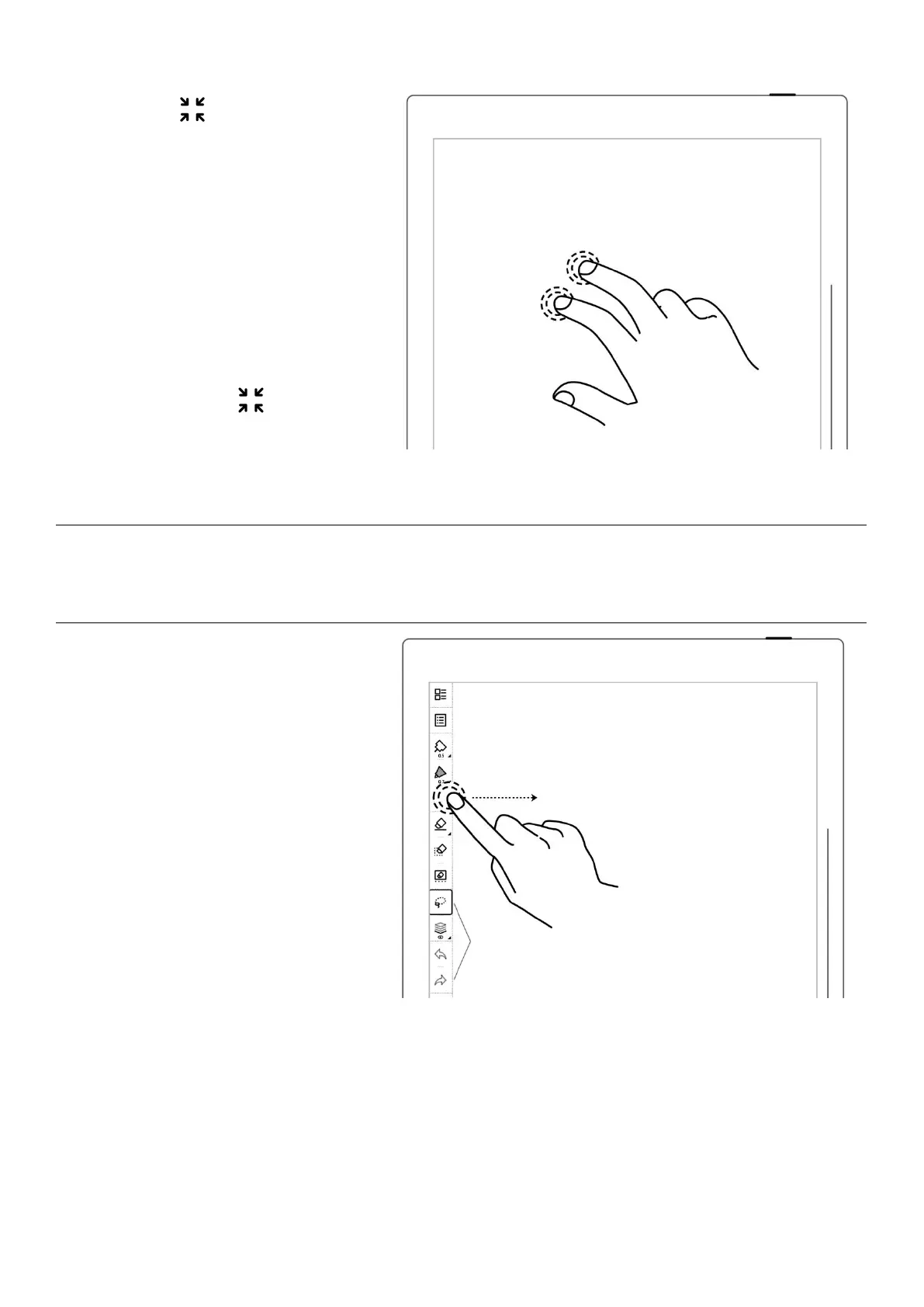
2、 Tap " " or double tap the
screen with two fingers again to
display the fixed or floating
toolbar
*Note: You can choose to toggle
on/off the full screen gesture and
show/hide the “ ”button by
going to Toolbar>More>Gesture
Settings
1、
Press the fixed toolbar for
1-2 seconds before an arrow
shape appears, then drag it as
the floating toolbar



 To Next Page