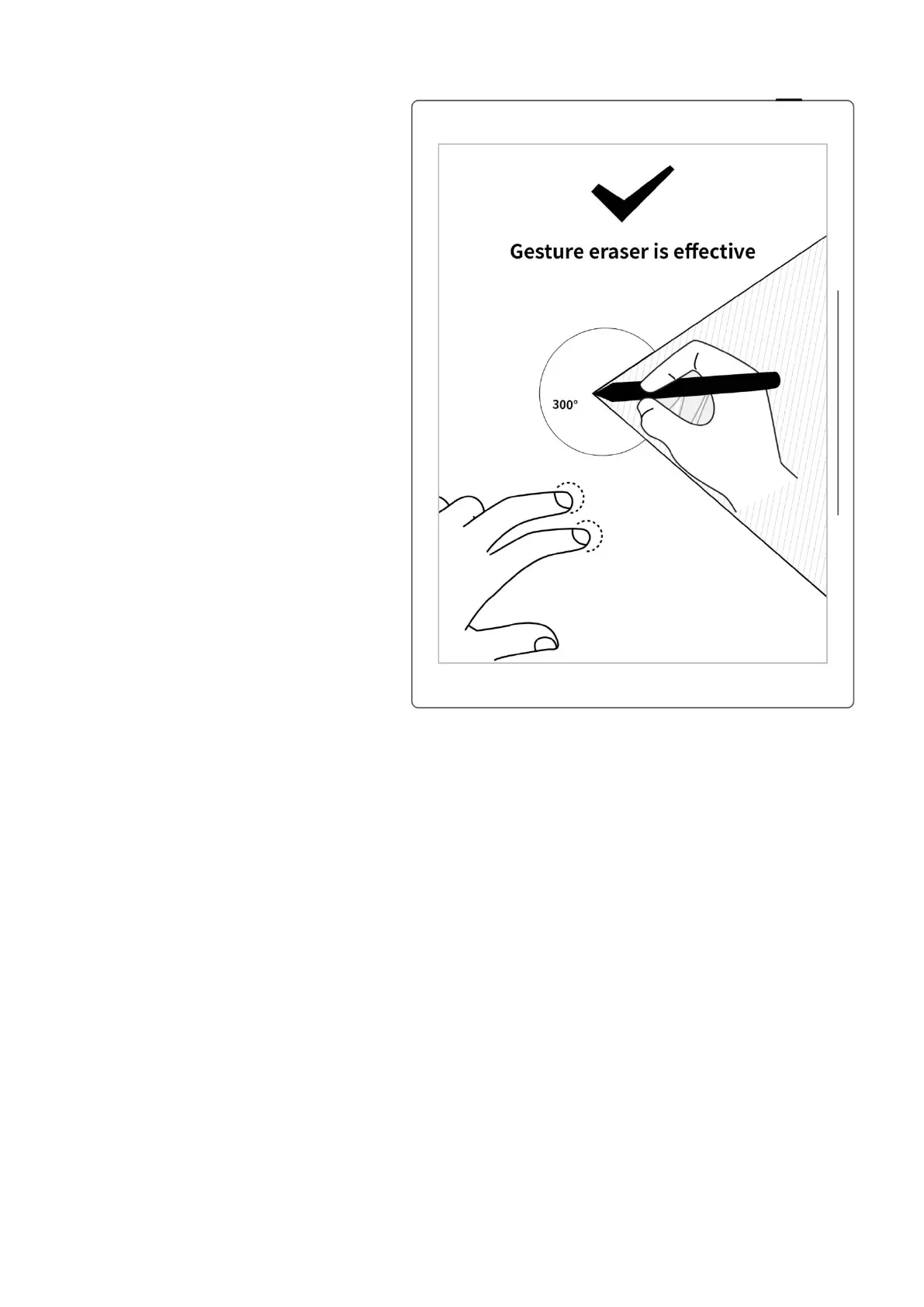
2、Effective area of gesture eraser
Press two fingers at the same
time in the screen area
220°-300° outside the
shadow area of the image,
below the tilt of the pen
activates the gesture
eraser(see right
image).Otherwise , it will be
invalid.
When using eraser gesture
,
please do not move and put
your fingers together or too
far apart.
*Note: The effective angle range for
gesture eraser may vary according
to your pen holding posture;
placing two fingers on the screen
far away from the pen can keep
them from being in the invalid area
and more easily trigger the eraser.



 To Next Page