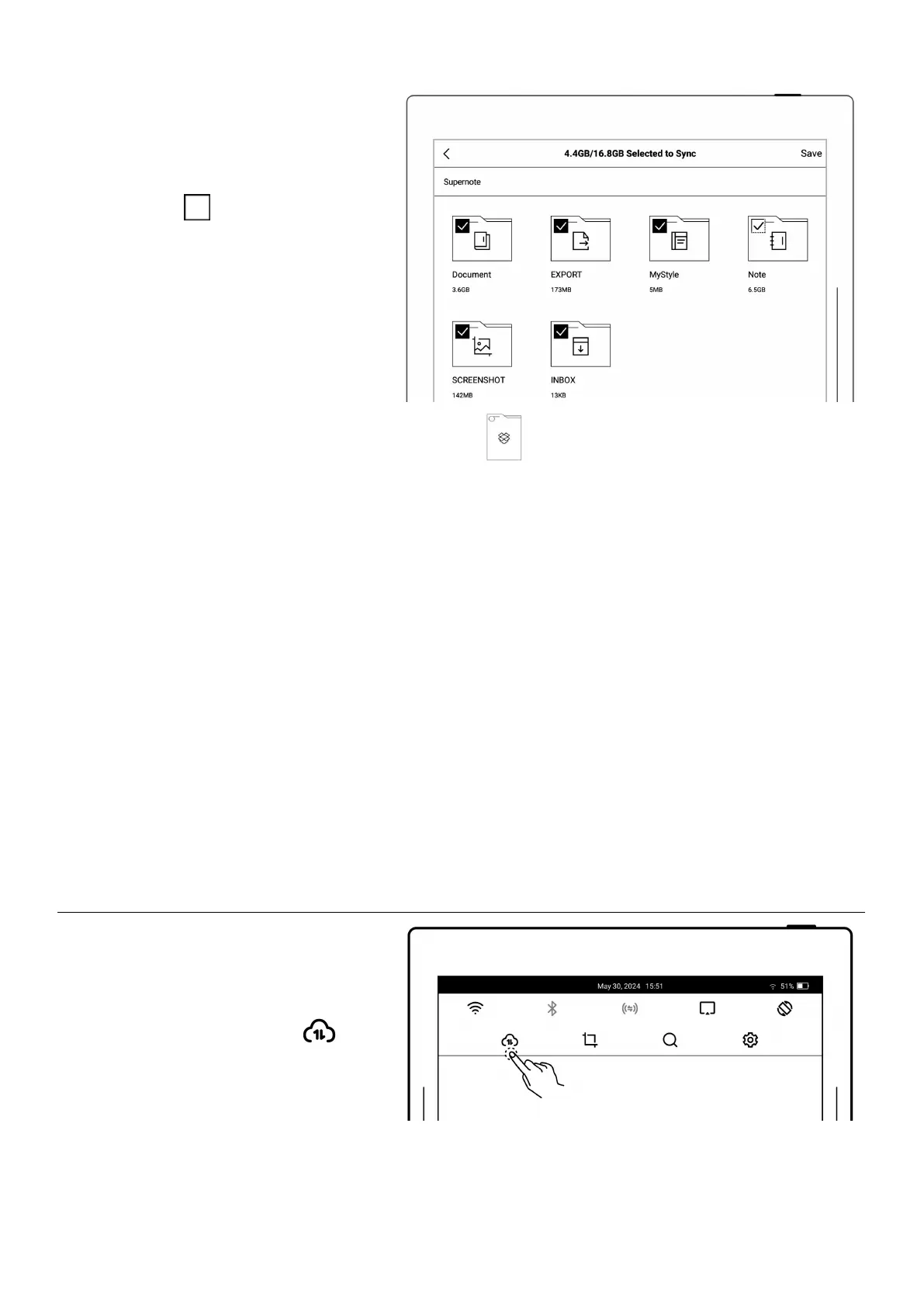
Configure sync folders
Tap “Select Folders to Sync”
Tap “ ” in the upper left
corner of the folder to select
the folder to be
synchronized, and click
“Save”
If you want to select a
subfolder, the current
chosen folder should be
cancelled first
(Due to the difference between
Dropbox cloud storage and
Supernote device storage space,
this part of the configuration
will be limited according to the
selected folder size)



 To Next Page