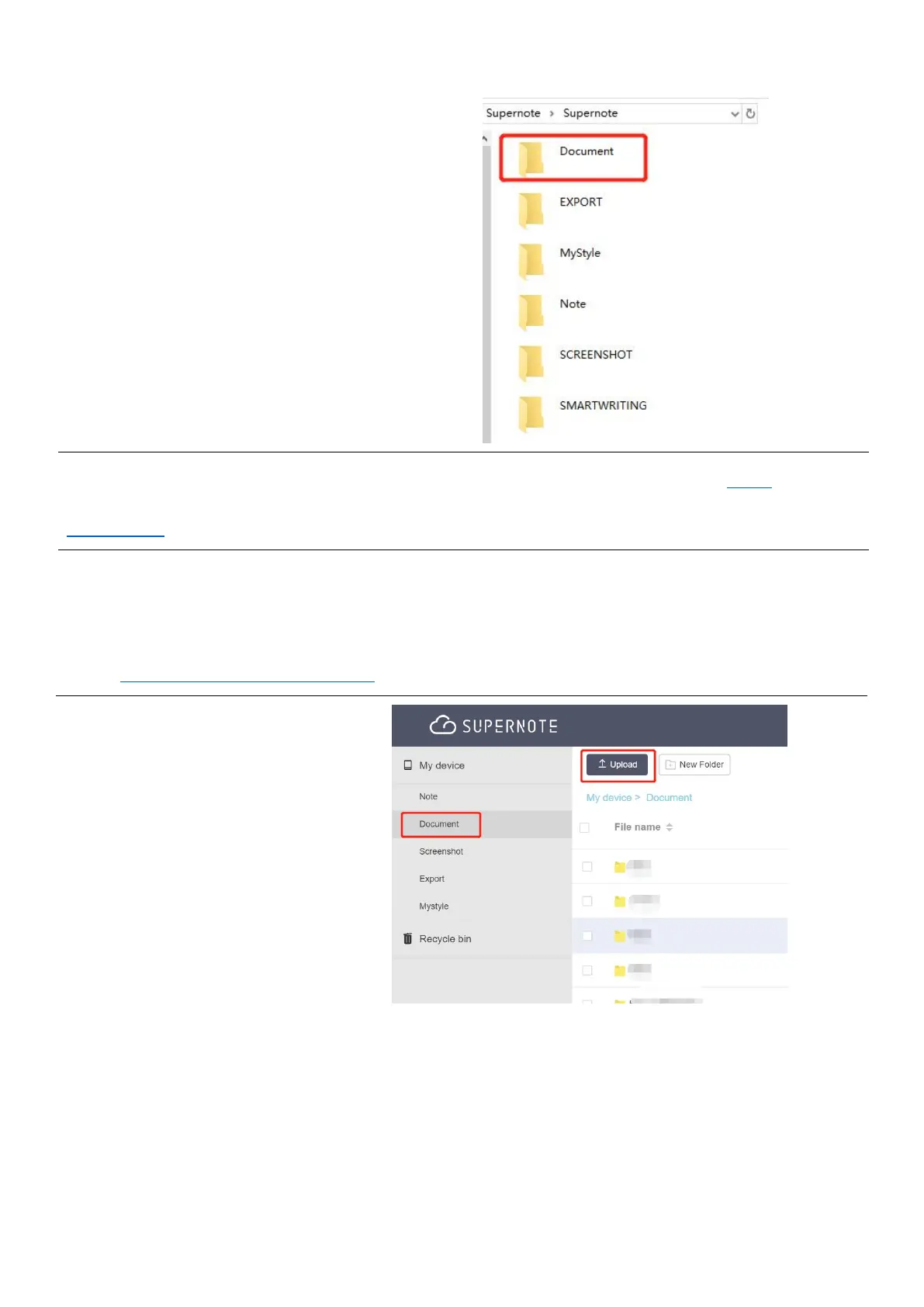
2、 Open the /Supernote disk
on PC
Drag the PDF/EPUB files
from PC to
Supernote/Document
directory
*Note:For iMac, a third party MTP application is required(Please refer to USB
connection).
Method 2: Cloud(The following illustration uses Supernote Cloud as an example)
1、
Use the registered account to log in to Supernote Cloud on the computer's browser:
https://cloud.supernote.com
2、
Select “Document”on the
left side, click “Upload”,
and select files to upload,
then click “open” button
Wait for the completion
of upload.(Files can also
be uploaded via
Supernote partner App)



 To Next Page