Chapter 2: Installation
2-11
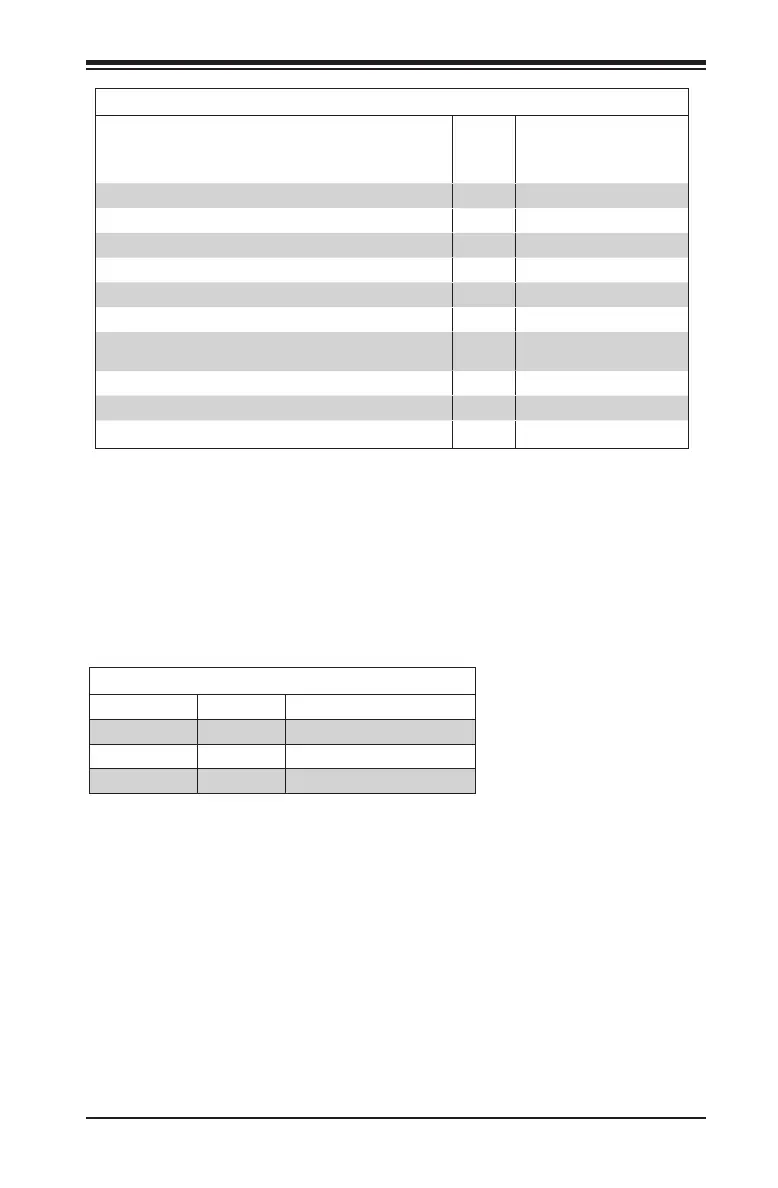
Possible System Memory Allocation & Availability
System Device Size Physical Memory
Remaining (-Available)
(4 GB Total System
Memory)
Firmware Hub ash memory (System BIOS) 1 MB 3.99
Local APIC 4 KB 3.99
Area Reserved for the chipset 2 MB 3.99
I/O APIC (4 Kbytes) 4 KB 3.99
PCI Enumeration Area 1 256 MB 3.76
PCI Express (256 MB) 256 MB 3.51
PCI Enumeration Area 2 (if needed) -Aligned on 256-MB
boundary-
512 MB 3.01
VGA Memory 16 MB 2.85
TSEG 1 MB 2.84
Memory available to OS and other applications 2.84
Memory Population Guidelines
When installing memory modules, the DIMM slots should be populated in
the following order: DIMMA2, DIMMB2.
• Always use DDR4 DIMM modules of the same size, type and speed.
• Mixed DIMM speeds can be installed. However, all DIMMs will run at the
speed of the slowest DIMM.
Recommended Population (Balanced)
DIMMB2 DIMMA2 Total System Memory
4GB 4GB 8GB
8GB 8GB 16GB
16GB 16GB 32GB



 To Next Page