4-70
Supermicro C9X299-PG/-PGF/-RPGF Motherboard User’s Manual
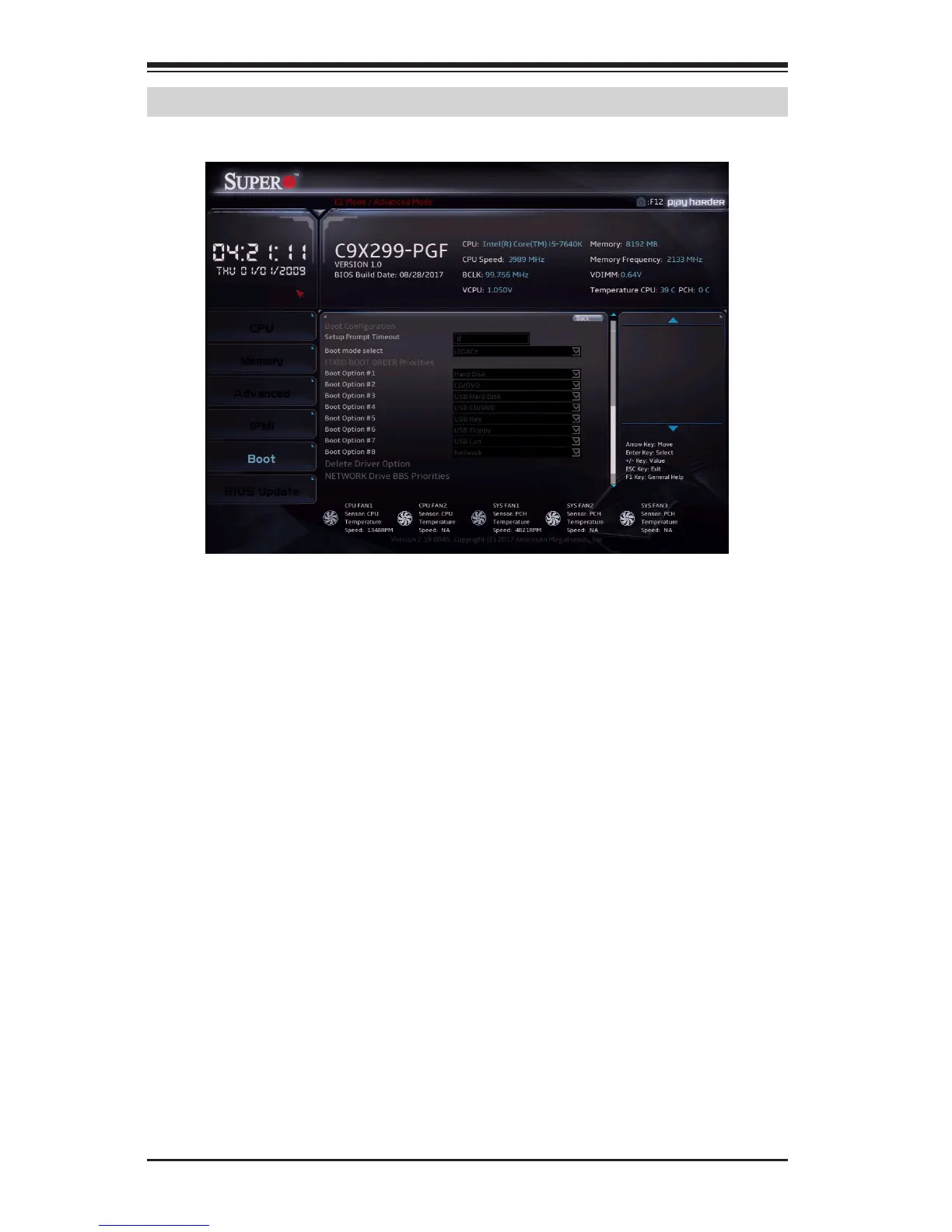
4-6 Boot
Boot Conguration
Setup Prompt Timeout
Enter the wait time in seconds to wait for the setup activation key. Enter
65535 for indenite wait time. The default is 1.
Bootup NumLock State
Use this feature to set the Power-on state for the <Numlock> key. The
options are Off and On.
Quiet Boot
Use this feature to select the screen display between the POST messages
and the OEM logo upon bootup. Uncheck the box to display the POST
messages. Check the box to display the OEM logo instead of the normal
POST messages. The default is Checked.
Fast Boot
Use this feature to set fast system boot and quick POST. The options are
Enabled and Disabled.


 To Next Page