C-2
Supermicro C9X299-PG/-PGF/-RPGF Motherboard User’s Manual
C-3 To Recover the Main BIOS Block Using a USB-
Attached Device
This feature allows the user to recover a BIOS image using a USB-
attached device without additional utilities used. A USB ash device such
as a USB Flash Drive, or a USB CD/DVD ROM/RW device can be used for
this purpose. However, a USB Hard Disk drive cannot be used for BIOS
recovery at this time.
To perform UEFI BIOS recovery using a USB-attached device, follow the
instructions below.
1. Using a different machine, copy the "Super.ROM" binary image le
into the disc Root "\" Directory of a USB device or a writeable CD/
DVD.
Note: If you cannot locate the "SUPER.ROM" le in your driver
disk, visit our website at www.supermicro.com to download the
BIOS image into a USB ash device (save in the root folder) and
rename it "SUPER.ROM" for BIOS recovery use.
2. Insert the USB device that contains the new BIOS image ("SUPER.
ROM") into any available USB port Be sure the le is saved in the
very top (root) folder.
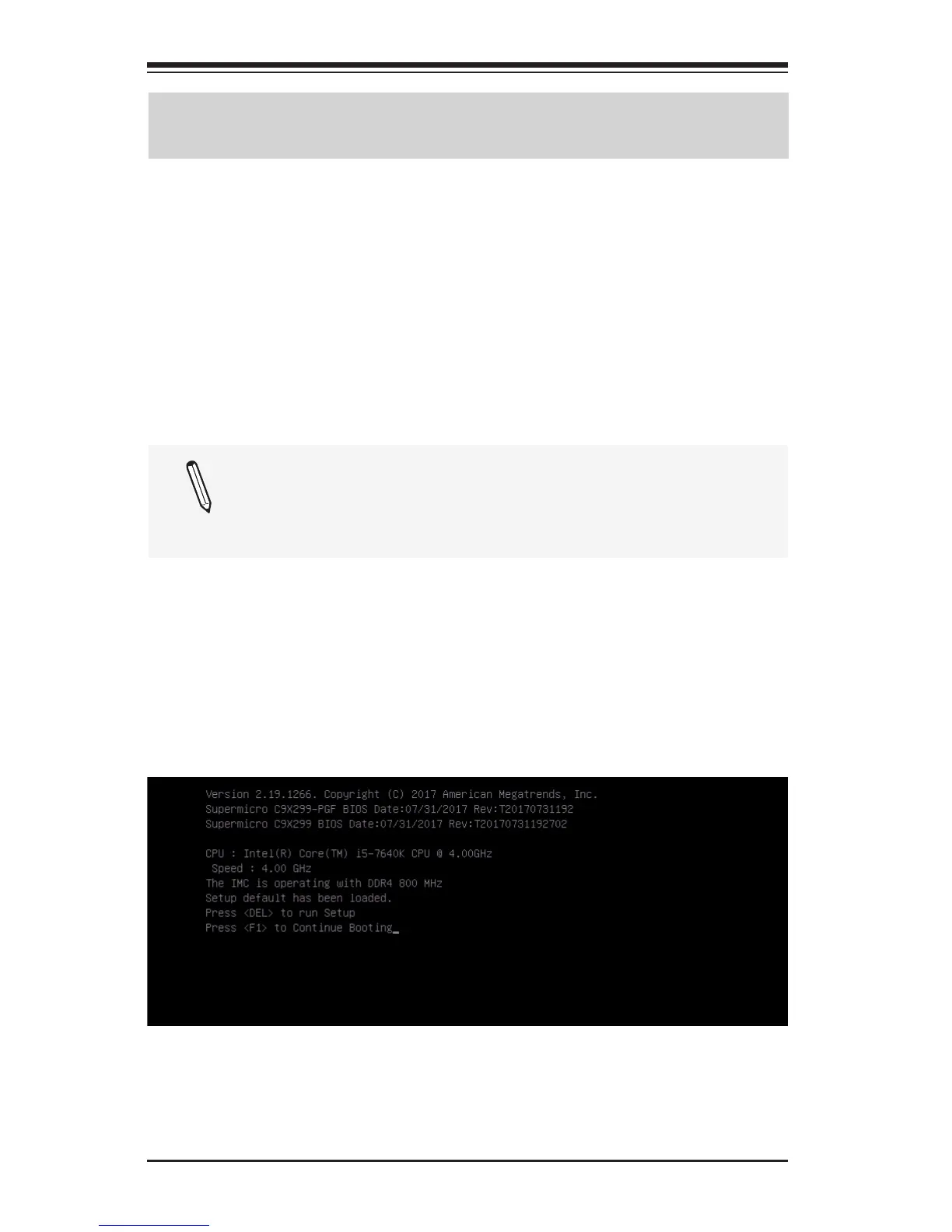
3. Set the JBR1 switch on the motherboard to recovery mode and
power on the system. If the screen appears as below, press <DEL>
to continue.



 To Next Page