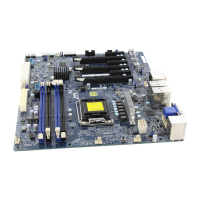
1-6
X10SLQ/X10SLQ-L User’s Manual
Notes:
1. CPU Overclocking is supported by this motherboard; however, SMCI does not recommend CPU Overclocking and cannot
resume any responsibility or liability of out_of_spec. overclocking.
2. CATERR_LED is for internal testing only.
X10SLQ/X10SLQ-L LED Indicators
LED Description Color/State Status
LED1 Onboard Standby PWR LED Green: Solid on Power On
LED2 WLAN_LED
LED3 Standby Power LED Green: Solid on Power On


 To Next Page
 Loading...