4-24
X9DRL-3F/X9DRL-iF User’s Manual
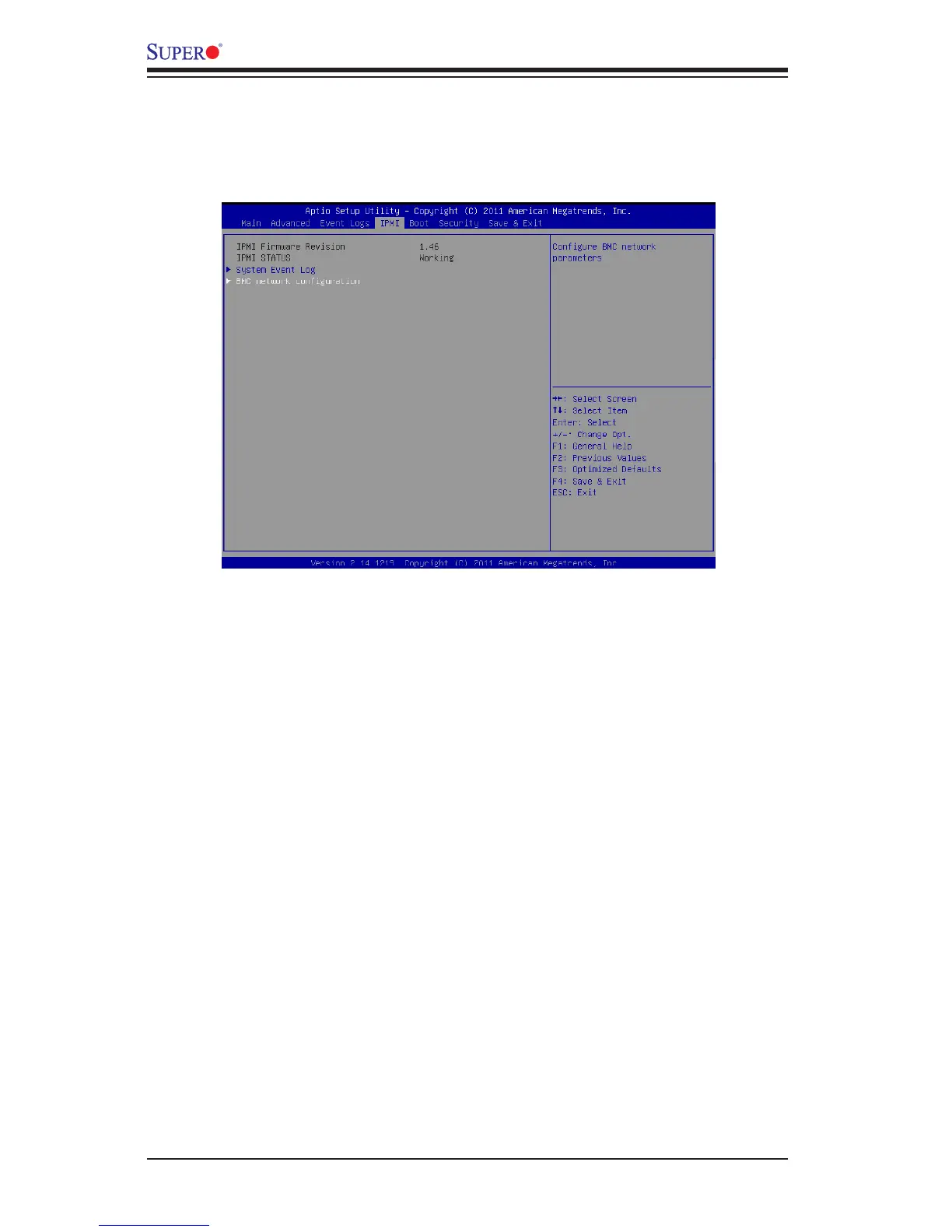
4-5 IPMI
Use this menu to congure Intelligent Platform Management Interface (IPMI) set-
tings.
System Event Log
Enabling/Disabling Options
SEL Components
Select Enabled for all system event logging at bootup. The options are Enabled
and Disabled.
Erasing Settings
Erase SEL
Select 'Yes, On next reset' to erase all system event logs upon next system reboot.
Select 'Yes, On every reset' to erase all system event logs upon each system reboot.
Select No to keep all system event logs after each system reboot. The options are
No, Yes, On next reset, and Yes, On every reset.
When SEL is Full
This feature allows the user to decide what the BIOS should do when the system
event log is full. Select Erase Immediately to erase all events in the log when the
system event log is full. The options are Do Nothing and Erase Immediately.



 To Next Page
 Loading...