SureCall | 48346 Milmont Drive, Fremont CA 94538 | 1-888-365-6283 | support@surecall.com
10
IF YOU WANT TO IMPROVE PERFORMANCE
• Identify a location outside that receives a stronger signal and move the outside antenna to that location (higher
is usually better.
• Increase the distance between the booster and outside antenna.
• If using an omni outside antenna, upgrade to a directional yagi antenna that can be aimed toward your closest
tower.
Please Note: Changes or modications not expressly approved by SureCall could void user’s authority to operate the equipment.
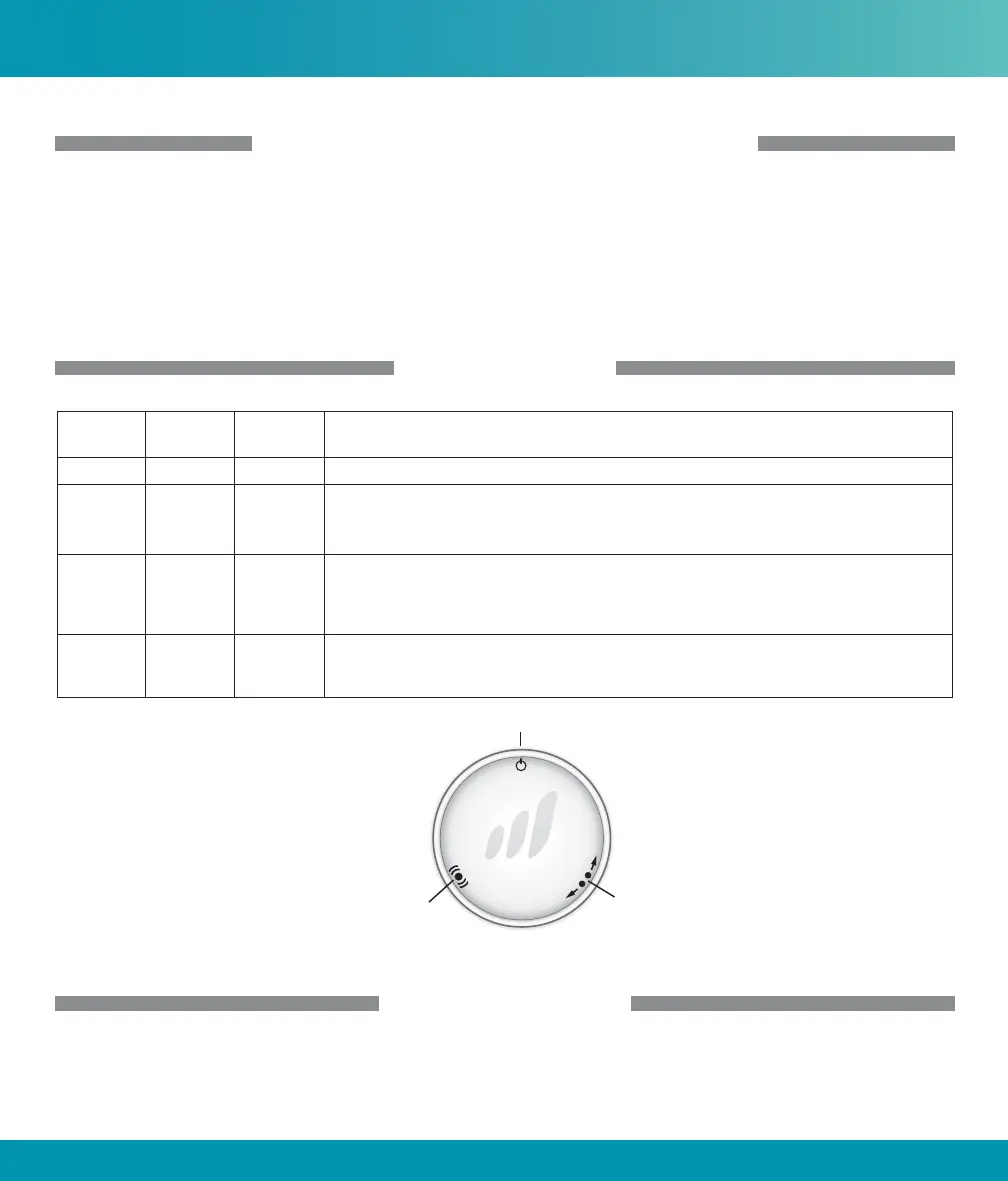
LED INDICATORS
LED
Position
LED
Color
LED
Condition
Indication
Left Yellow Flashing Automatic Gain Control (AGC) is self-adjusting. This is part of normal operation.
Right Yellow Flashing Automatic Gain Control (AGC) is preventing oscillation.
If this happens: Increase separation between outside antenna and booster to optimize
performance.
Left Red Flashing The booster is receiving too strong of a signal which could cause the booster to automatically
turn o.
If this happens, relocate the outside antenna to a location where the signal is weaker. If using a
Yagi outside antenna, turn in small increments away from cell tower until Red ashing stops.
Right Red /
Yellow
Alternately
Flashing
Booster function has shut o to prevent oscillation.
If this happens: Increased separation between the outside antenna and Flare booster is needed to
continue proper operation.
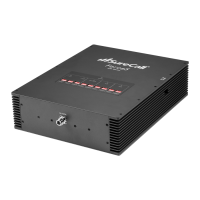
Booster LED Diagram
Left LED
Right LED
Power LED
TROUBLESHOOTING
If you have any questions during setup, please reach out to our US-based experienced support technicians:
Call: 1-888-365-6283
LED Indicators & Troubleshooting











 To Next Page