SureCall | 48346 Milmont Drive, Fremont CA 94538 | 1-888-365-6283 | support@surecall.com
6
BEFORE INSTALLATION
1. Prior to securing the location of any booster parts, a “soft install” is recommended as adjustments may be
needed to optimize performance.
2. Your planned location for the booster (central to where signal is needed) should be near an existing electrical outlet.
3. Ensure adequate separation between the planned locations of the booster and outside antenna (at least 30 ft.).
4. Ensure sucient cable length between the outside antenna location and booster location. The length of the
provided cable is 50 ft.
Installation Overview
Step 1. Find the outside area with the strongest signal.
Step 2. Install the outside antenna
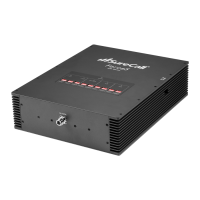
Step 3. Place the Flare on a table or desktop, center of the area where signal is needed.
Step 4. Connect the booster to an AC power source.
FLARE INSTALLATION
Step 1. Find the Area With the Strongest Signal
Finding Your Strongest Cellular Signal
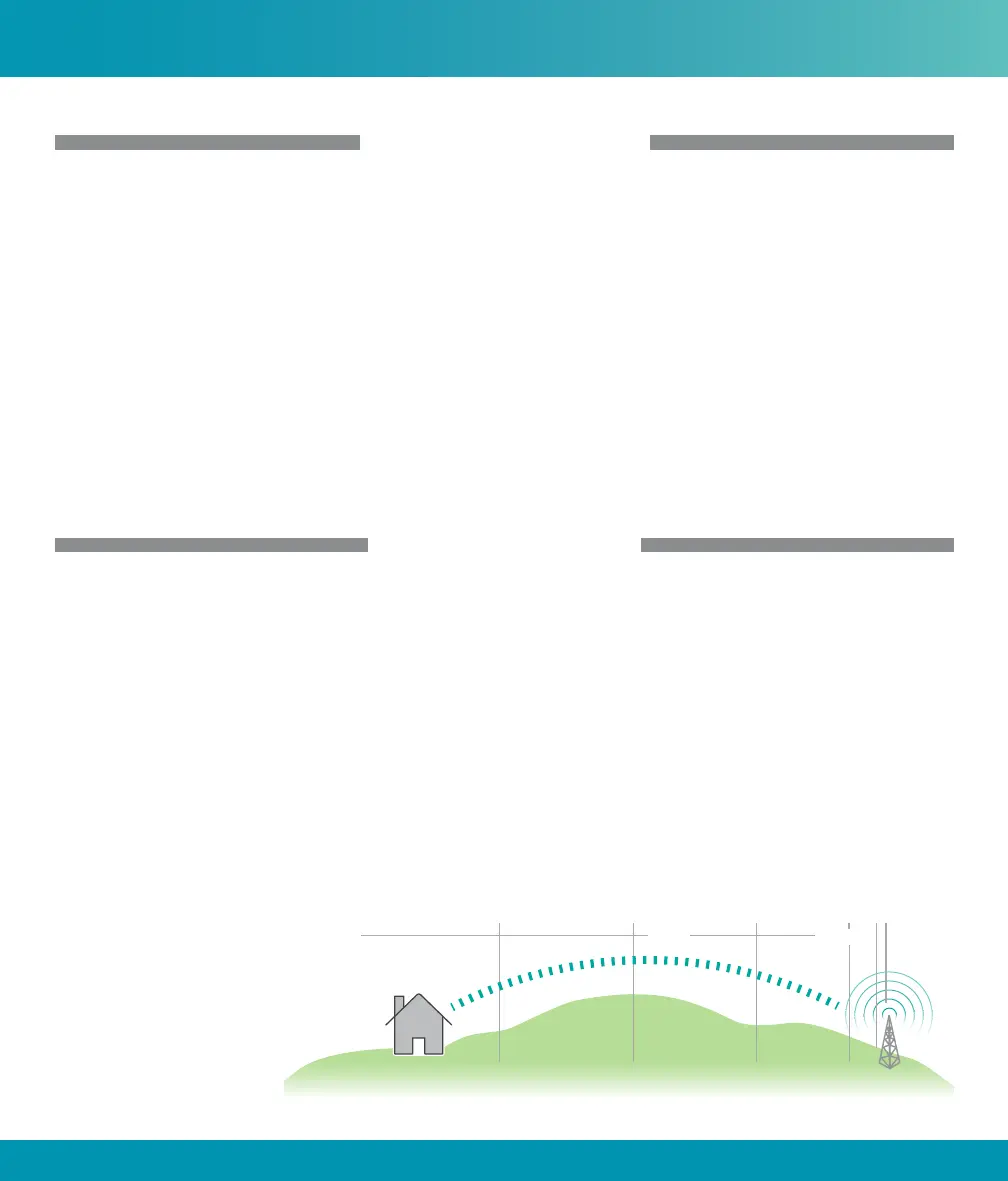
Using your phone, identify the outside location with the strongest signal. Generally, this is found on the side facing
your nearest cell tower and as high as possible.
For specic dB signal measurements, use the methods below. Note that dB measurements appear as a negative
number where the closer to 0, the stronger the signal (eg. -100 dB would be considered a weak signal while -65 dB
a strong signal).
• Apple iPhones: Dial *3001#12345#* and press Call. In the top-left corner, a dB number appears instead of
bars.
• Android devices:
download the app
“Network Signal Info” in
the Google Play store.
Note that Bars are not always
a reliable measure of signal.
The best way to conrm
signal coverage is the ability
to place and hold a call.
Before Installation
Signal Strength
Excellent
-50 dB
-60 dB
-70 dB
-80 dB
-90 dB
-100 dB
GoodPoor











 To Next Page