SP91 User Manual
[Reference] GS
GS
GS
GS /
/
/
/
GS
GS
GS
GS /
/
/
/ m
m
m
m
[Name] Prints down-load bit image
[Format] ASCII GS / m
Hex 1D 2F m
Decimal 29 47 m
[Range] 0 ≤ m ≤ 3, 48 ≤ m ≤ 51
[Description] Prints down-load bit image by mode which defines by m.
m set mode from following table:
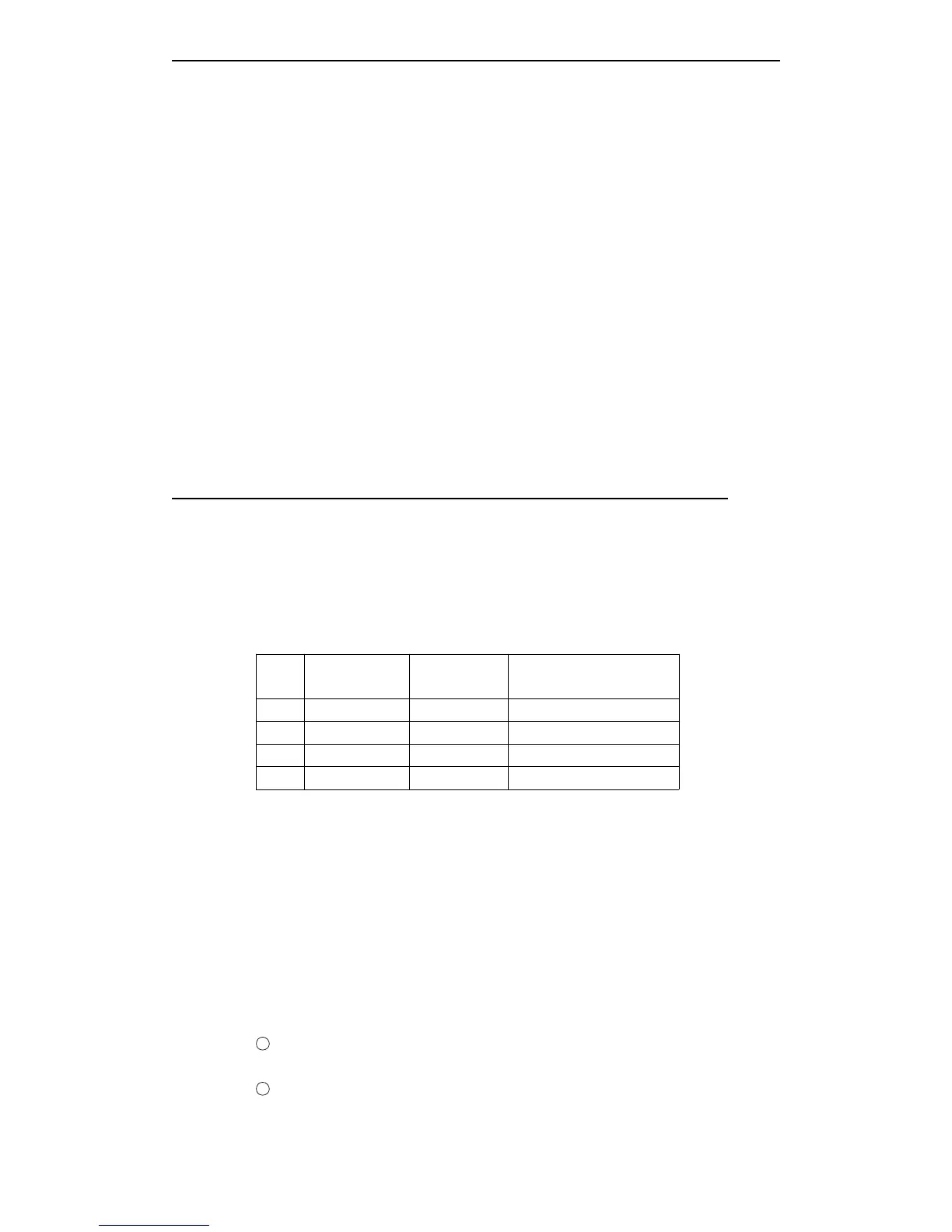
m Mode
Vertical dot
density
Horizontal dot density
0, 48 Stable 203.2 dpi 203.2 dpi
1, 49 Double width 203.2 dpi 101.6 dpi
2, 50 Double height 101.6 dpi 203.2 dpi
3, 51 Quadruple 101.6 dpi 101.6 dpi
dpi: per 25.4 mm {1inch}
[Notes] · If the bit image data has not defined, then this command will be ignored.
· In stable mode, this command affects only when there are no data in the printing
buffer area.
· This command is invalid in print mode [bold, overlap, underline, character size or
reverses blank printing], except for up-down printing mode.
·
If
the download bit image which will be printed overs the printable area, then the over
data can not print.
·
If
the printable width which set by GS
L
and GS W is less than the asked width by GS
to send the data, then executes the following continued operation for the problem lines
[the print can not over the max printable area].
1
The width of the printable area which extends to the right and holds the data
capacity.
2
If
the step ① can ’ t provided enough width for data, then narrows the left blank to hold
the data.



 To Next Page