SP91 User Manual
GS
GS
GS
GS I
I
I
I n
n
n
n
[Name] Transmit printer ID
[Format] ASCII GS I n
Hex 1D 49 n
Decimal 29 73 n
[Range] 1 ≤ n ≤ 3, 49 ≤ n ≤ 51
[Description] Transmit printer ID.
· n indicates the type of printer ID.
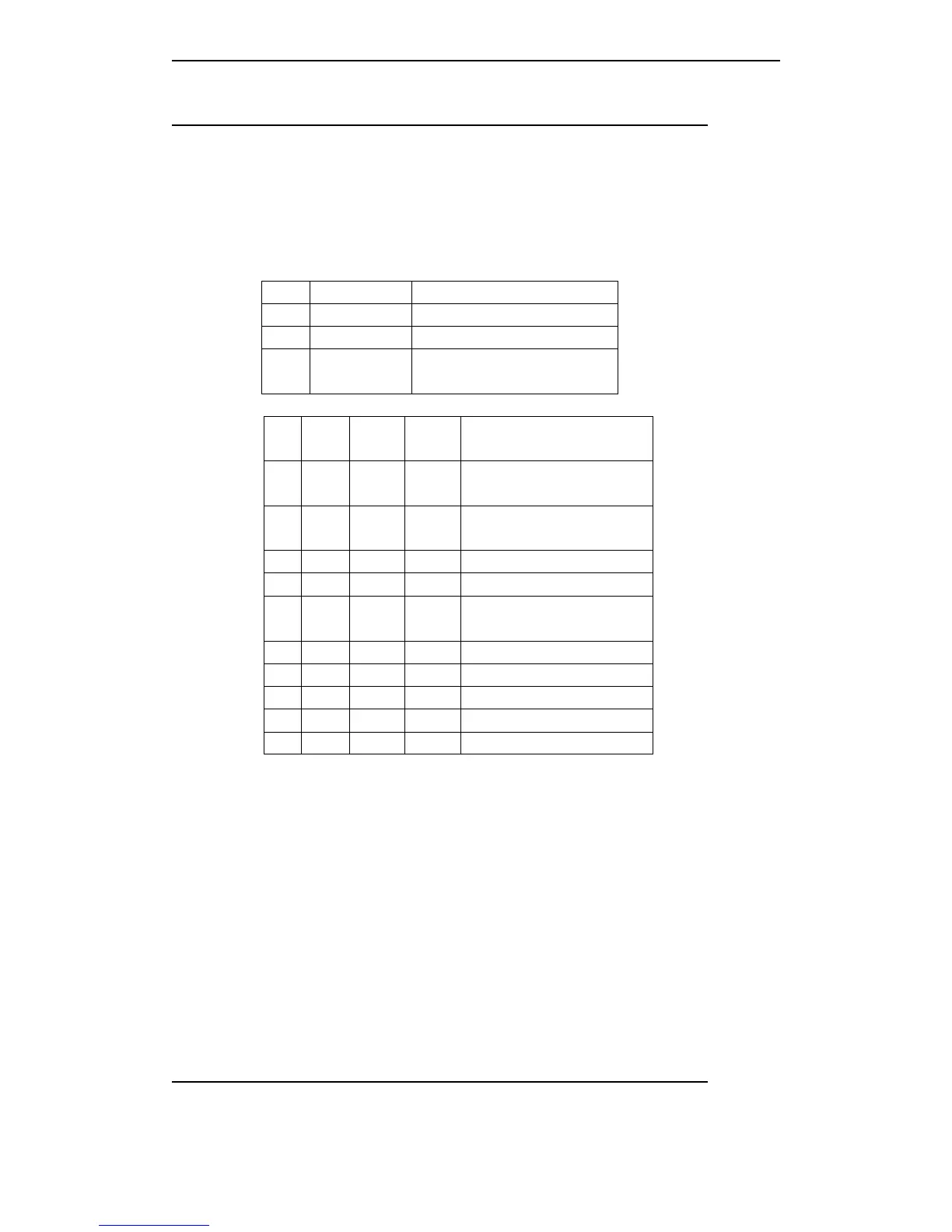
n Printer ID type ID
1, 49 Printer type ID Model: SP91 , Hex: 21H
2, 50 Type ID Below table
3, 51 Firmware
version ID
43H
[Type ID]
Bit
Off/o
n
Hex
Decim
al
Function
0 OFF 00 0
Not support double byte
character code.
ON 01 1
Support double byte character
type.
1 OFF 00 0 Uninstall auto cutter.
ON 02 2 Install auto cutter.
2 - - -
Undefined.
3 - - - Not used.
4 - - - Not used.
5 - - - Undefined.
6 - - - Undefined.
7 - - Not used.
[Particularize] · n serial interface mode, controls by selecting DTR/DSR, be sure that the host have
ready to receive data(DSR signal is SPACE), The printer only transmits one byte.
If
the
host have not ready to receive data (DSR signal is MARK), the printer will be waited,
until the printer have ready to.
· In serial interface mode, controls by selecting XON/XOFF, the printer only transmits
one byte, but not sure that the conditions of DSR signal.
· When spreading the data in the receiving buffer area, transmits printer ID. After
receiving this command, could be waited a period of transmitting conditions, it decided
by the conditions of receiving buffer area.
· Enable automatically restoring (ASB) by GS a, must be distinguished the conditions
of transmitting by GS I and ASB.
Note
Note
Note
Note : At
At
At
At present,
present,
present,
present, no
no
no
no bit
bit
bit
bit 0
0
0
0 changeable
changeable
changeable
changeable information.
information.
information.
information.
GS
GS
GS
GS L
L
L
L nL
nL
nL
nL nH
nH
nH
nH
[Name] Set left margin



 To Next Page