10
4.0 Hole Selection
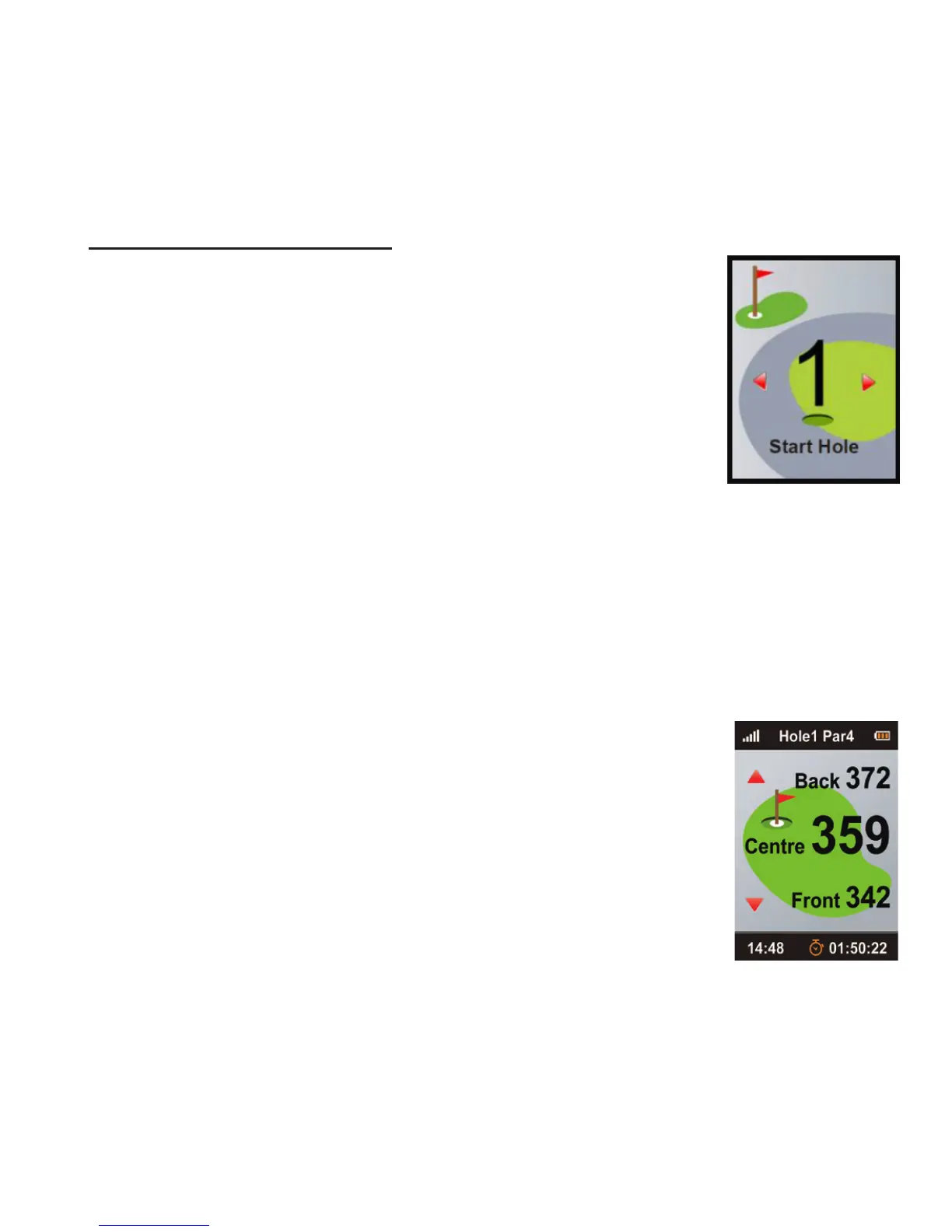
4.2 Manually selecting hole
To choose the hole that you would like to play
manually, press Up/Down on the Navigation Key.
4.3 Hole Information (Green View)
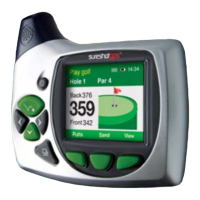
is Green View display will show you the distance
between your current location and the Front, Centre and
Back of the putting green.
4.1 Automatic hole advance (AHA)
is feature allows you to move around the golf course
without having to change the hole manually. e AHA re-
quires the unit to go within 15m of the centre of the green
and then move away 31m from the centre of the green, the
Micro 700X will then advance to the next hole. You can
manually select a hole by turning o this feature o in the
Auto Hole Advance option in settings.



 To Next Page