14
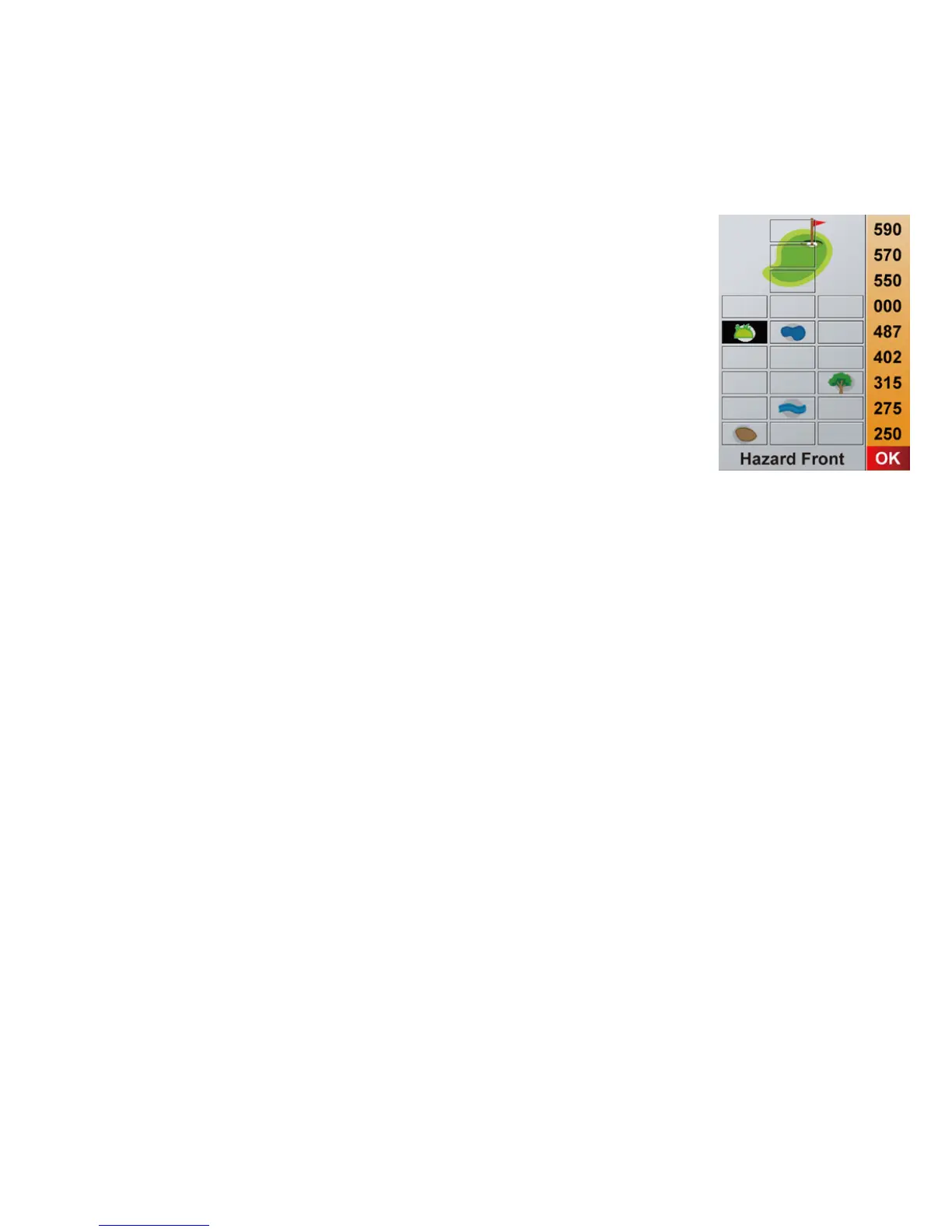
5.7 Full View (hazards)
To access the hazards go back to the Hole Information
screen and press the Right Key or press the Le key from
the Shot Distance screen.
e Full View page shows you all the hazards that are on
that hole and the corresponding distances. If you would
like to edit the hazards, see 6.2 Edit a Course.



 To Next Page