21
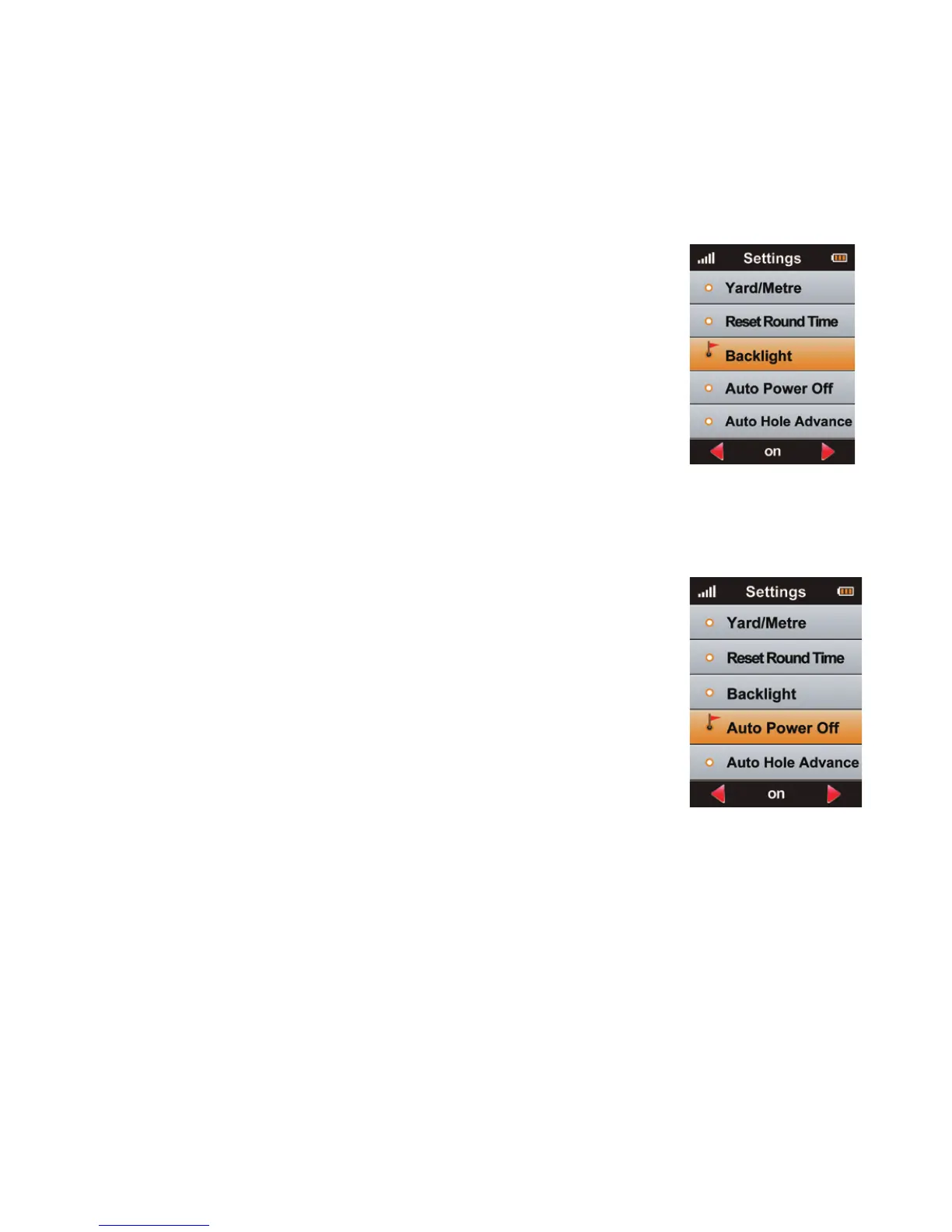
7.7 Backlight
is device provides an Auto Backlight O function to
save power. If any key is not touched for a specic time
period the screen will turn to dark automatically. Using
the Right/Le key you can increasing or decrease the
backlight duration. “On” means that the baclight will
always be on. NOTE: is setting will reduce battery life.
Press the Menu key to return to Main Menu.
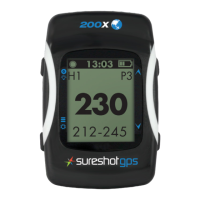
7.8 Auto Power O
is device provides an Auto Power O function to
save power. If you set the power timeout, the device
will turn o automatically aer the timer if you don’t
touch any key for the set time period.
To set press the Right/Le key to change the settings.
Press the Menu key to return to Main Menu.



 To Next Page