17
6.2 Map Green Positions.
Once in the Edit screen. Press the Page key to enter the Edit Mode.
Once in the Edit Mode, press the Up key to select the green position
you wish to record (front, middle and back). Stand in the exact posi-
tion on the green you wish to record and press the Page key to mark
position.
6.3 Map a Hazard
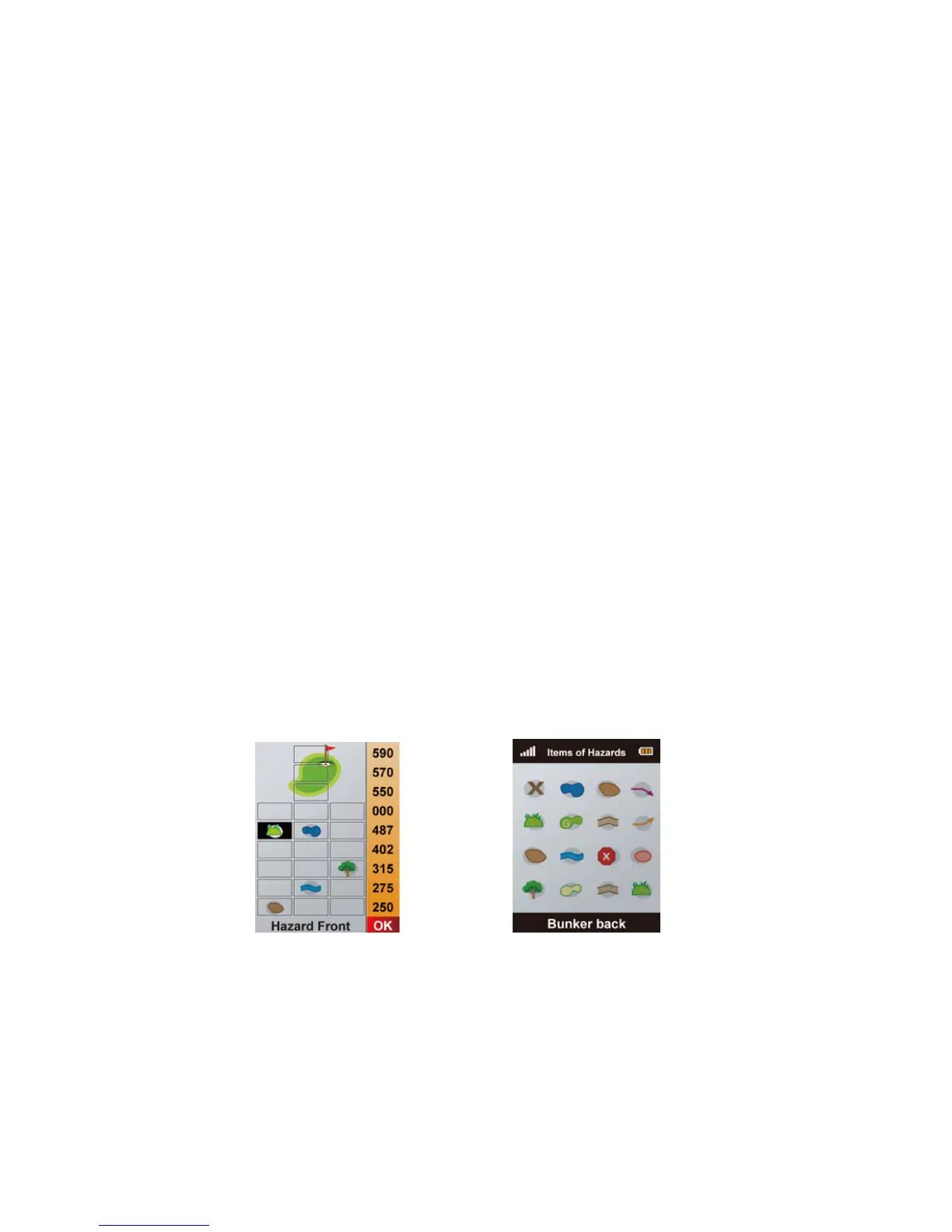
From the Edit screen press the Down key to select the hazard you
wish to record. Press the Up/Down/Le/Right key to change the
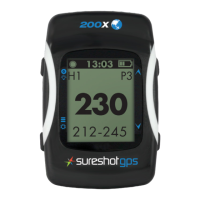
position of the hazard and Enter to conrm. is will take you to
the Hazard Options menu to select a icon that denotes the type of
hazard you wish to record. Stand in the exact position of the hazard
and press the Page key to mark position.
Edit Screen Hazard
Options



 To Next Page