8
3.0 Main Menu
Press and hold the Menu/On button for 3 seconds until
the unit powers on.
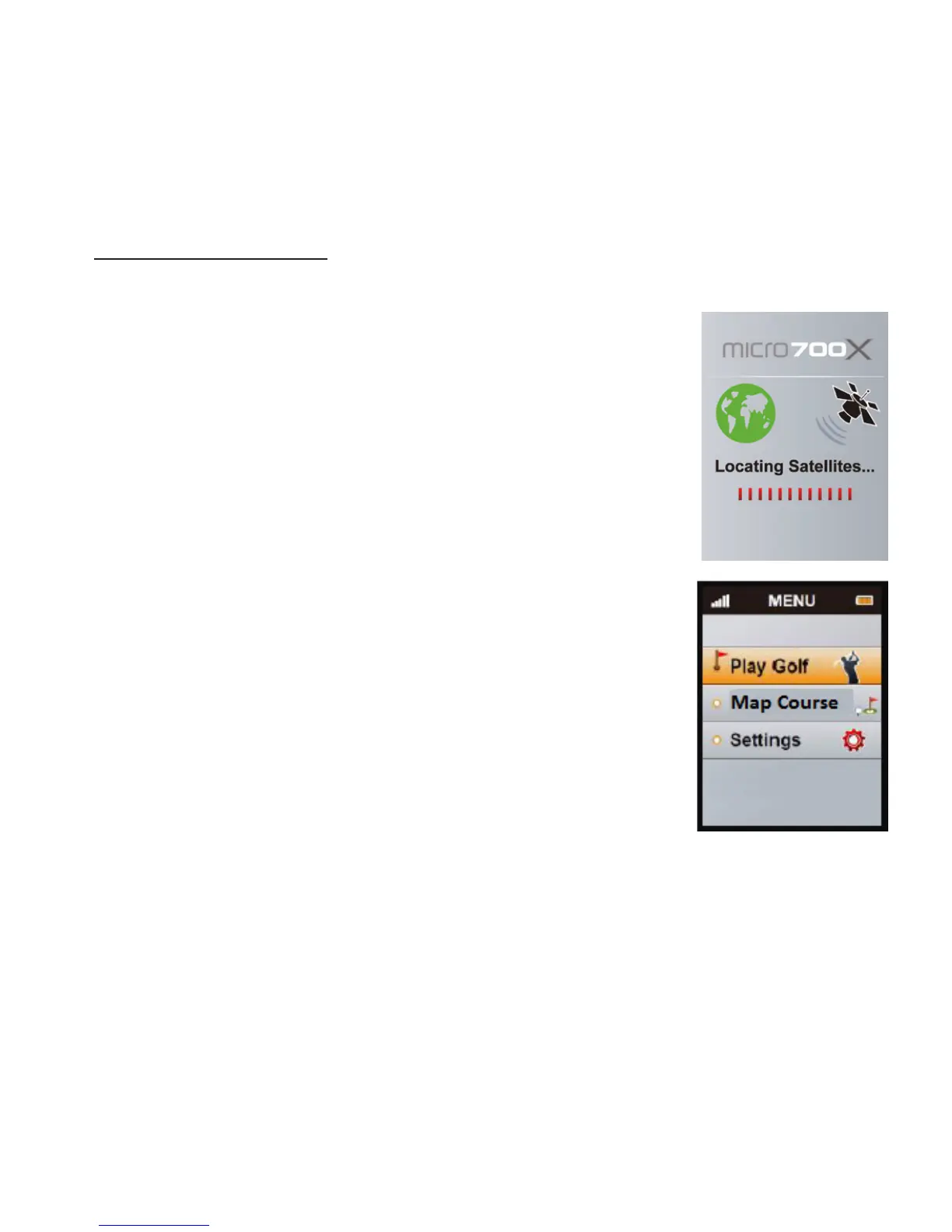
e GPS will begin searching for
satellites as shown in picture.
To bypass this and go straight to the main menu press
the Menu button.
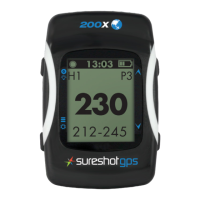
In the Main Menu you will see 3 options:
<Play Golf>, <Map Course> and <Settings>, use the
Up/Down key to move from one option to another.
To enter press the Enter key.



 To Next Page