23
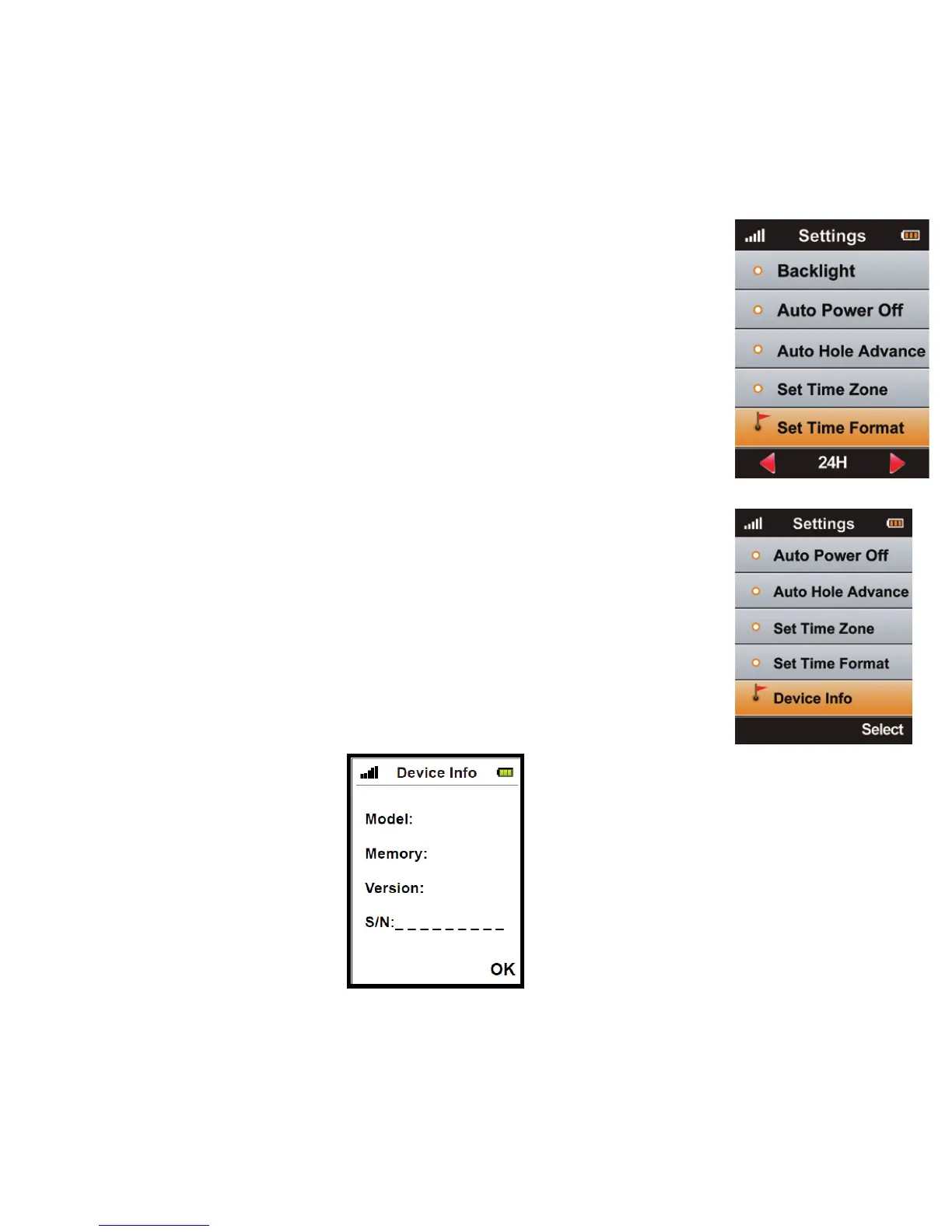
7.7 Set Time Format
You can change the time format (12 or 24 hour time) by
using the Right/ Le key. e time format options will be
shown at the bottom of the screen.
7.8 Device Info
You can check model, soware/ hardware version and
product serial number (S/N) of the Micro 700X by
selecting <Device Info> and then pressing Page.
You can go back to the Setting Menu by pressing
Page again.



 To Next Page