22
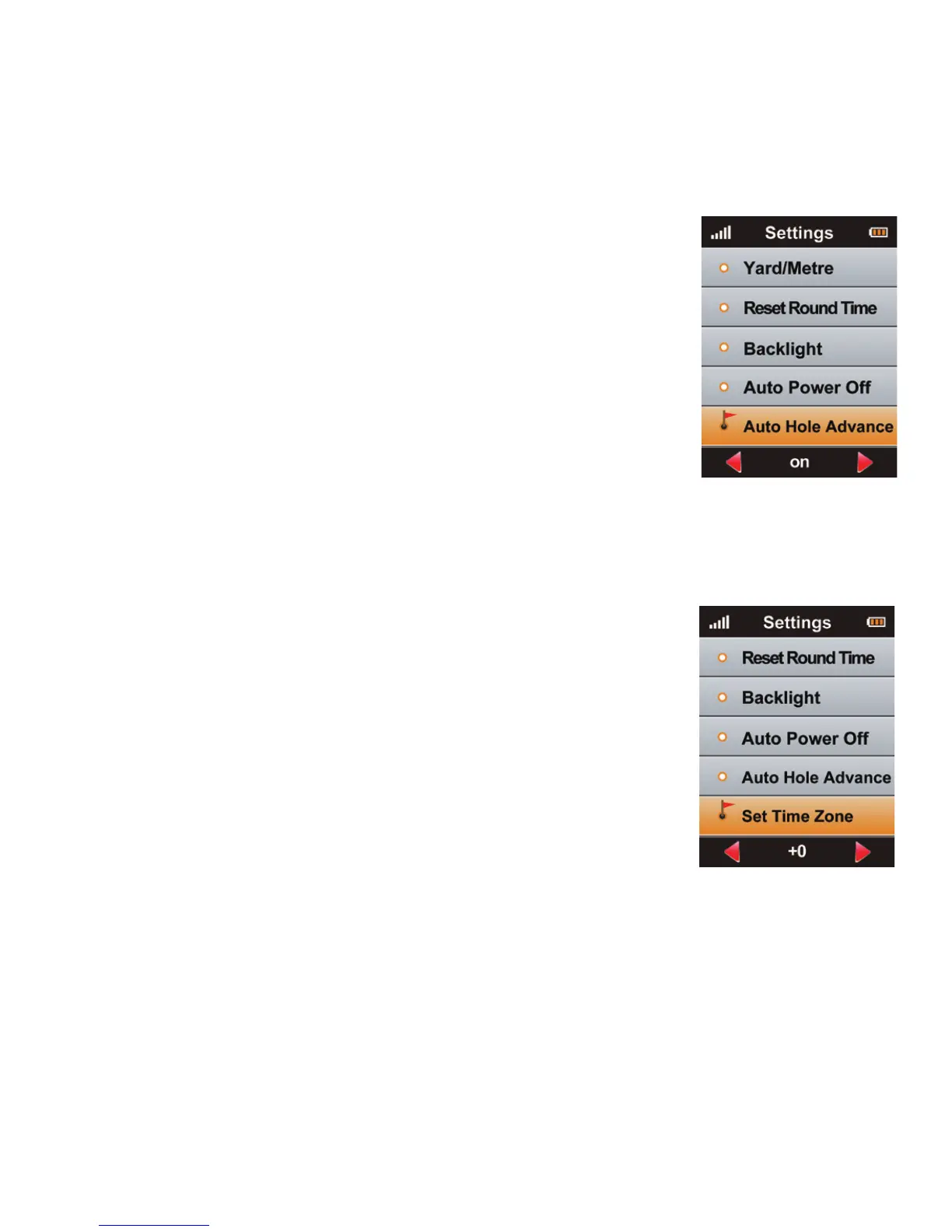
7.5 Automatic Hole Advance
To set your 700X to change holes automatically,
ensure that this feature is set to “On” in Settings.
To disable this feature, scroll down until Auto Hole
Advance is highlighted and press Le/Right key to
turn o. Press the Menu key to return to Main Menu.
For more information about this feature see:
4.1 Auto Hole Advance
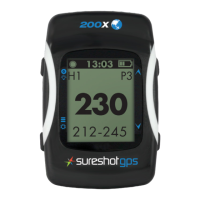
7.6 Set Time Zone
e device will set the present time zone automatically
according to relevant data of GPS satellites. You can
adjust the time zone of your location if needed by
entering <Set Time Zone> and using the Right/Le key
to increase or decrease the times.



 To Next Page