69
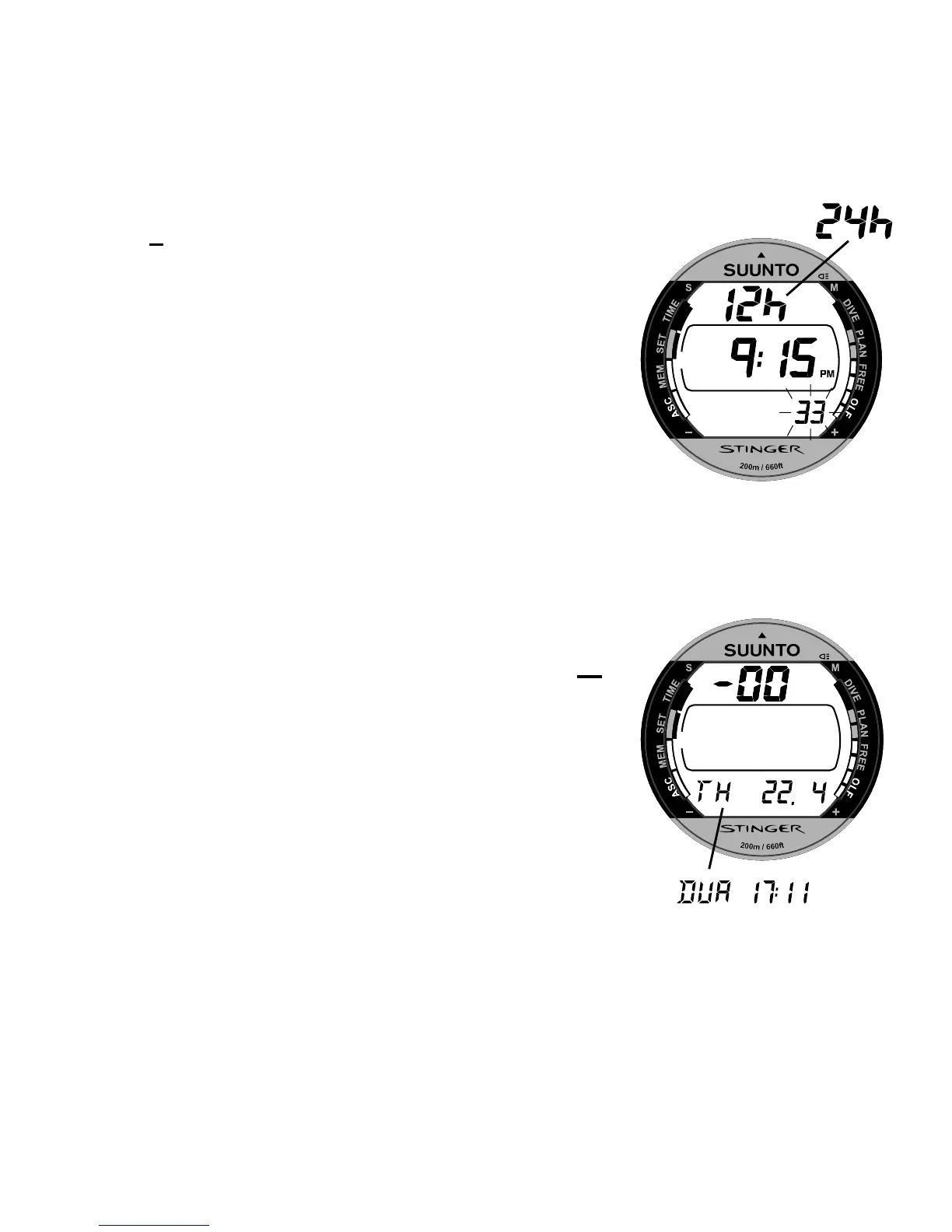
3. Press S to change the selection in the following
sequence:
-> seconds -> hours -> minutes -> 12/24 hour format
-> year -> month -> day -> dual (home) time hours ->
minutes
4. While the second digits are selected (blinking), press
- to reset the seconds to "00" or press + to increase the
value.
5. While any other digits (except seconds) are selected
(blinking), press + to increase the value or - to decrease
it. Holding the button the current selection starts to
scroll.
6. After you have set the time and date, press the
M
button to save the settings and to return to the Setting
Mode [SET].
NOTE:
The day of the week is automatically calculated in
accordance with the date.
The date can be set within the range of Jan 1, 1990 to
Dec. 31, 2089.
Fig. 4.3. The Time Adjustment
Mode is activated and the second
digits are blinking. Page I.
Fig. 4.4. The year, month and day
is selected. Page II. Dual time
selected. Page III.



 To Next Page