74
4.4. FREEDIVING AND GAUGE
SETTINGS [FREE]
In this setting mode you can select or disable the freedive
mode and set the freedive sampling rate.
To set the FREE:
1. In the Setting Mode, press
S four (4) times to select
the Free Setting Mode (Fig. 4.10.).
2. Wait two seconds until the Free Setting Mode
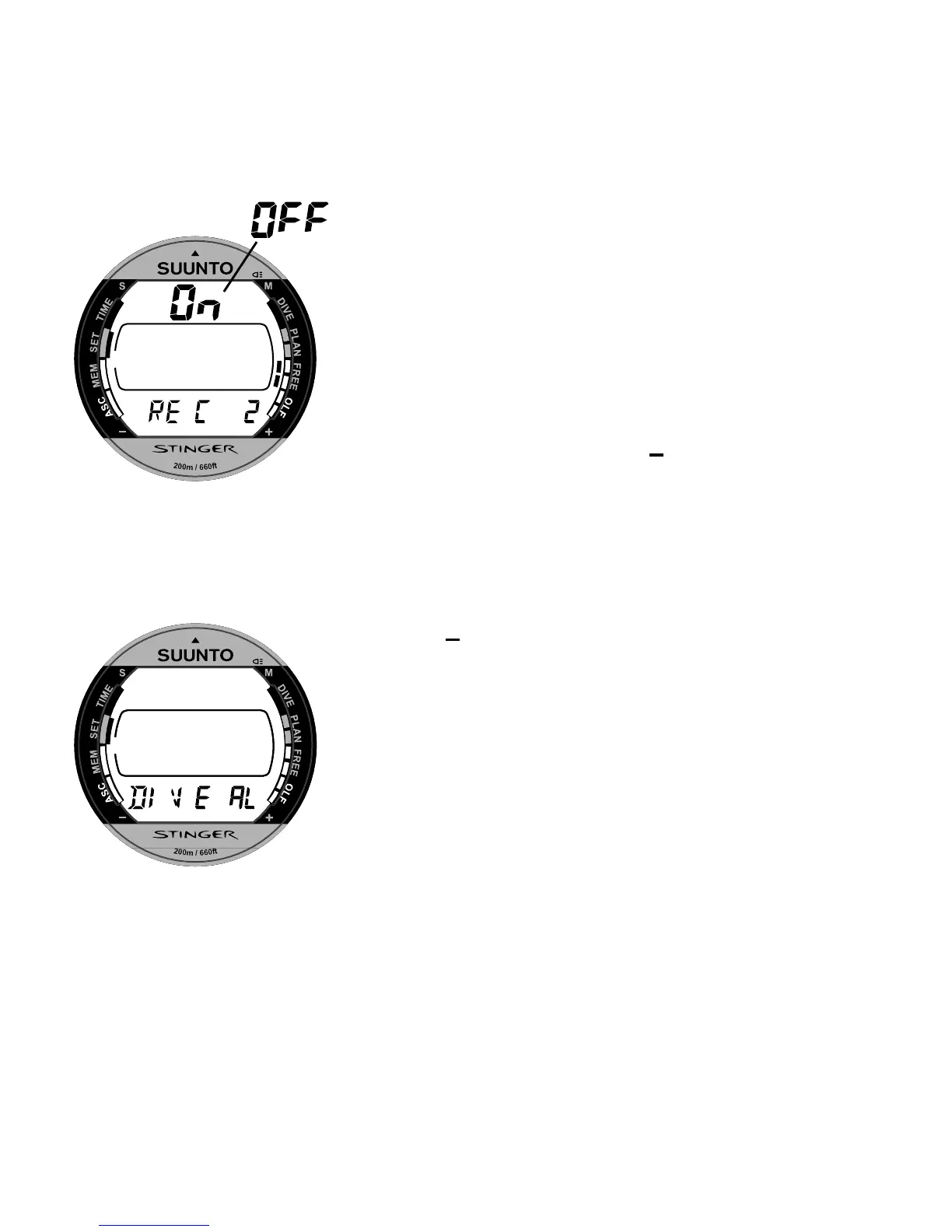
activates automatically. The enable/disable status [On/
OFF] starts to blink on the display (Fig. 4.11.).
3. Press
S to change the selection in the following
sequence:
->On/OFF status -> Freediving recording rate in seconds
While the enable/disable status [On/OFF] is selected
(blinking) press + or - to change the status. When the
REC mode is selected (blinking) press + or - to change
the setting. Available settings are 2, 4, 10, 20, 30, 60
seconds (Fig. 4.11.).
Fig. 4.11. The enable/disable
status of the Free Mode and the
recording rate setting.
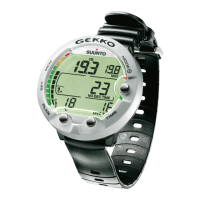
Fig. 4.12. Dive Alarm Setting
Mode.


 To Next Page