73
3. Press S to change the selection in the following
sequence:
-> On/OFF status -> EAN/AIR -> if EAN selected:
Oxygen percentage (O
2
%) -> Oxygen partial pressure
(PO
2
)
While the enable/disable status [On/OFF] is selected
(blinking) press + or - to change the status. When the
Air/EAN dive mode is selected (blinking) press + or -
to change the mode. When Oxygen percentage (O
2
%)
or Oxygen partial pressure (PO
2
) are selected (blinking)
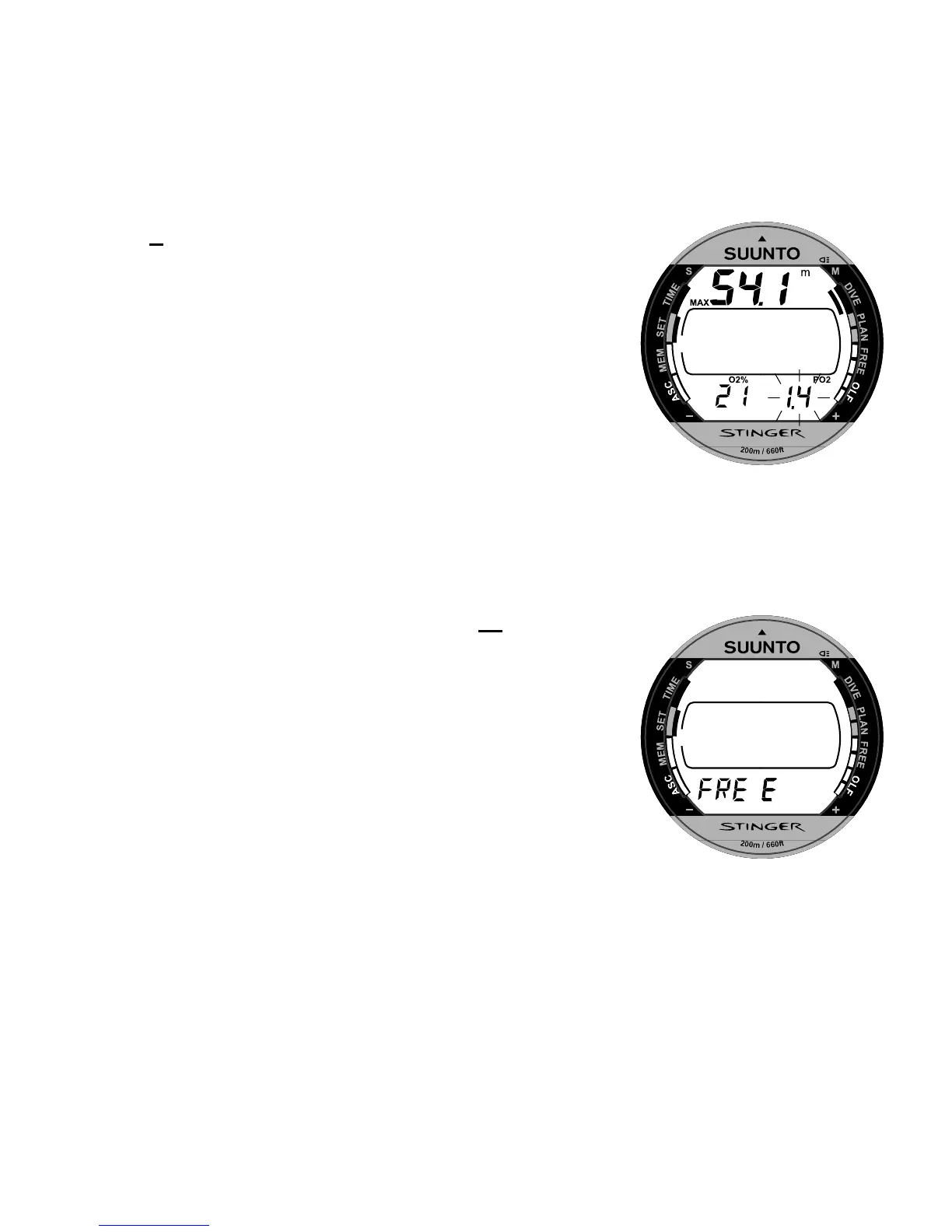
press + or - to change the setting (Fig. 4.9.).
4. After you have set the EAN, press the
M button to
save the settings and to return to the Setting Mode [SET]
NOTE: If the EAN/Air mode is disabled (set to OFF),
the instrument will not activate the scuba diving mode
when submerged.
Fig. 4.9. Setting Oxygen
Percentage and Partial Pressure.
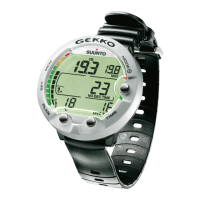
Fig. 4.10. Free Setting Mode.


 To Next Page