SVAT ELECTRONICS
now you can see
CLEARVU2 12
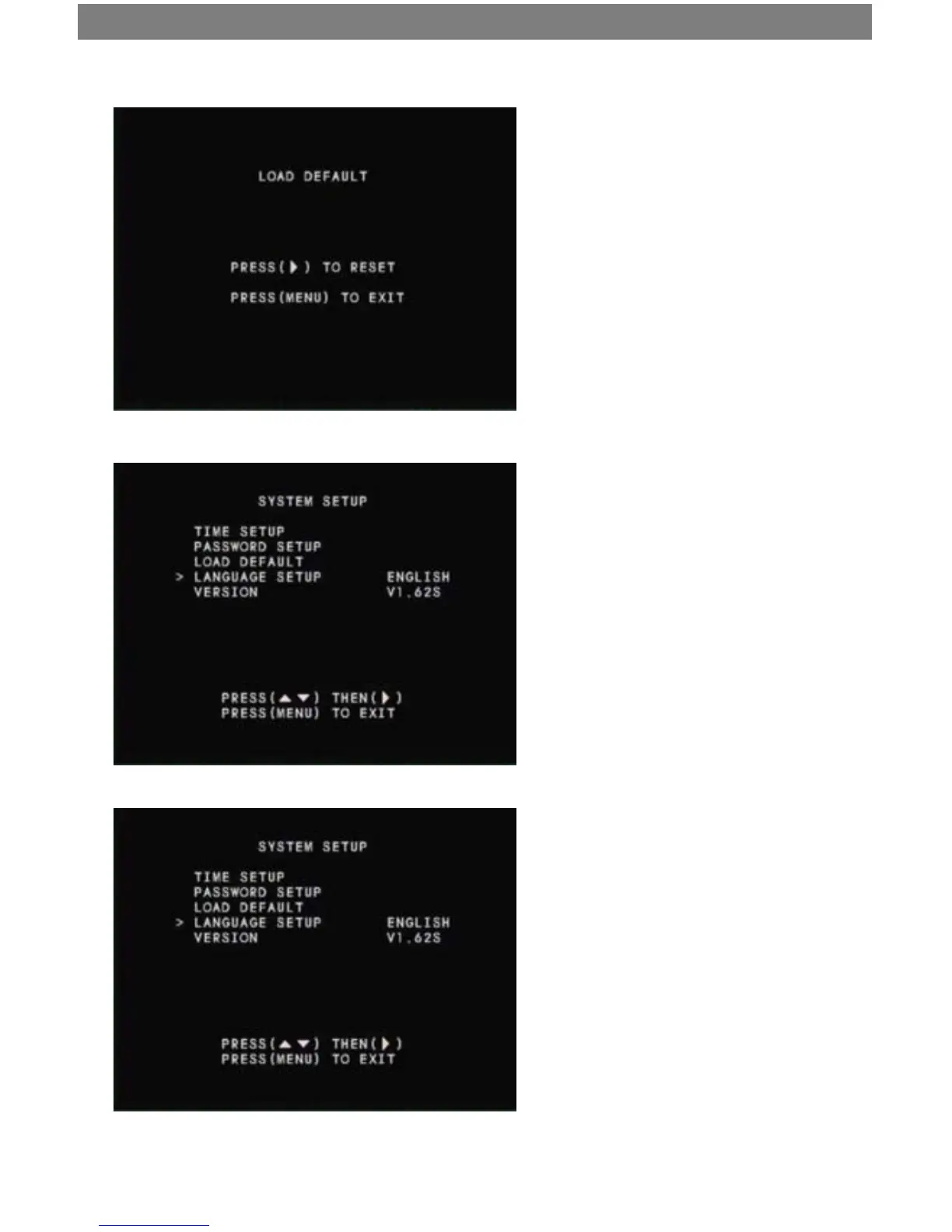
Load Default
Use this option to reset the DVR to factory
defaults. Please note that this will erase all your
custom settings, but your recorded footage will
be preserved.
To reset your DVR to factory defaults and
erase your custom settings:
Select “LOAD DEFAULT” and press ►/4 twice to
conrm. After the reset is complete, power o the
DVR and power on again, by switching the power
bar on and o.
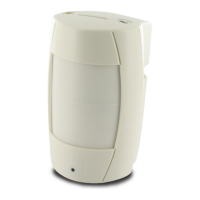
Language Setup
Press ►/4 to toggle between English and
Chinese.
Version
Displays the current rmware version.



 To Next Page