SVAT ELECTRONICS
now you can see
CLEARVU2 20
DVR PLAYER SOFTWARE
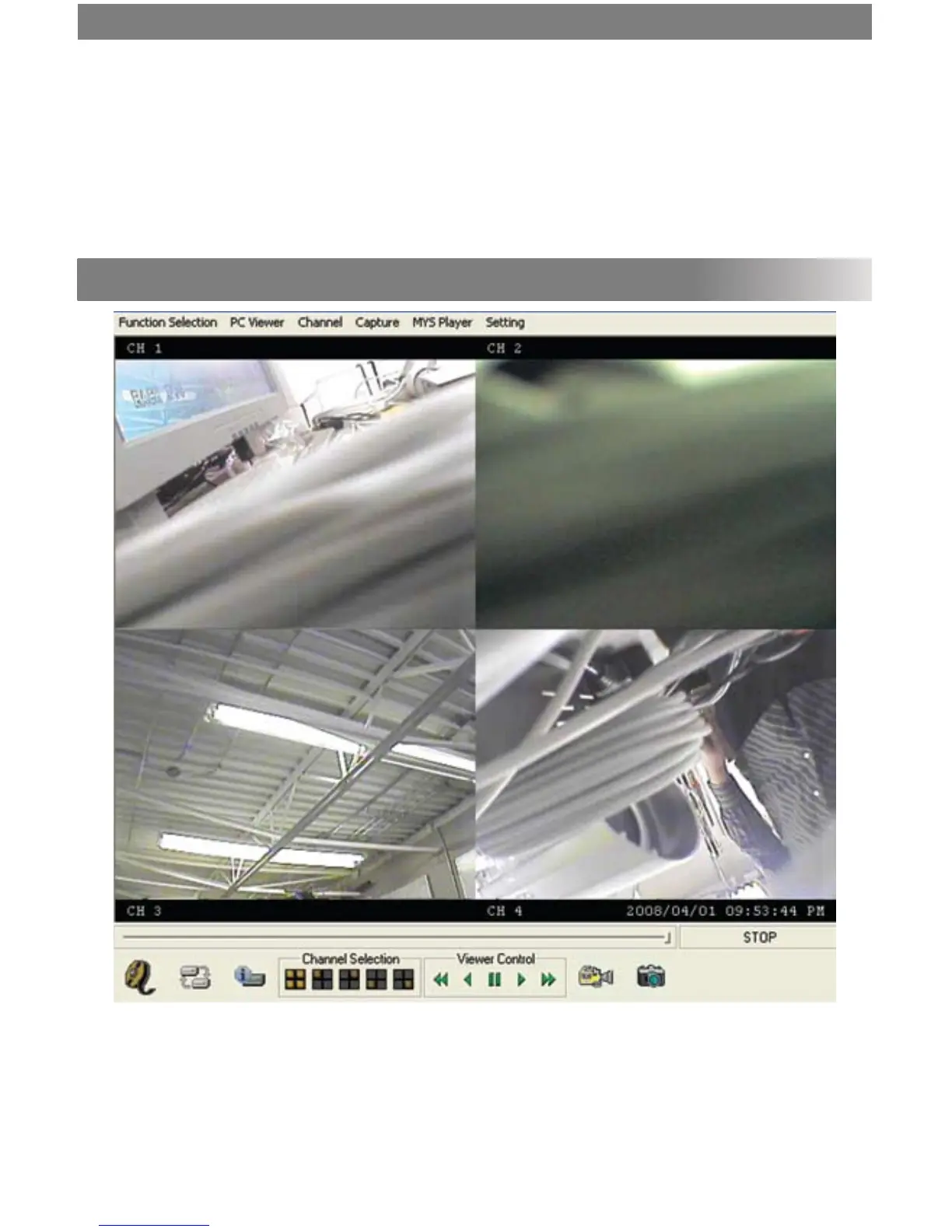
To view recorded footage on your computer, you must use the included player software. This software allows you to
view the footage like you would on the DVR (quad screen view). Please note that the DVR Player Software is not Mac
compatible (Windows only).
HDD Size
This number indicates the size of the hard drive (in megabytes).
HDD Used
This number indicates how full the hard drive is (in megabytes).
HDD Format
To erase the hard drive, select this option and press ►/4. Enter your password to conrm. Warning:
This will erase all your recorded footage.



 To Next Page