4 : 36
The menus of the room unit
Connect units room unit (RU) to controller (RE)
ModBUS
<Exit
Select>
RF pair-up
RF Quality
......................
RF pair-up
<Exit
>
0 0 0 0
0
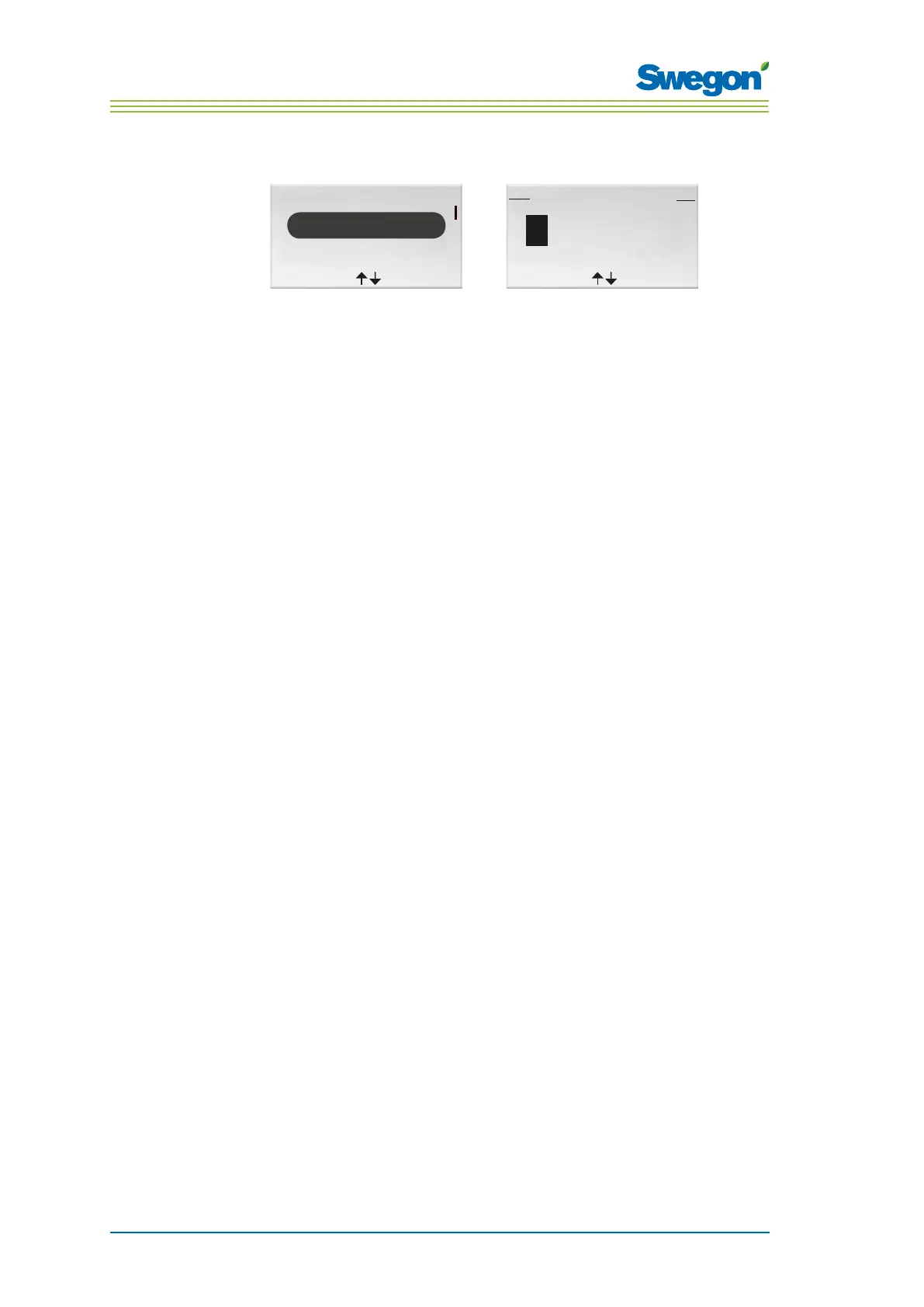
Figur 10. Image for selecting RF pair-up and the RF pair-up image.
The units must be connected together in order to control the controller by
means of a hand-held micro terminal. This is done by entering the RF (radio
frequency) ID of the controller, which is specified on the identification plate
of the controller.
1. Go to the Service menu.
2. Highlight Settings.
3. Press OK or on the ► Right key.
4. Mark Connect units.
5. Press OK or on the ► Right key.
6. Enter the first digit in the RF ID number by pressing the ▲ UP key or
▼ DOWN key.
7. Highlight the next digit position by pressing the ► Right key.
8. Enter the remaining four digits in the RF ID number.
9. Press OK to confirm the RF ID number and connect the room unit to
the controller.
If the connection is successful, the text: Connected will be shown.
10. Return to the Settings menu by pressing the ◄ Left key.
11. Return to the Service menu by pressing the ◄ Left key.



 To Next Page