4 : 37
The menus of the room unit
Test the radio connection
ModBUS
<Exit
Select>
RF pair up
Language
......................
.
RF connection
<Exit
Start
RF pair up: 100
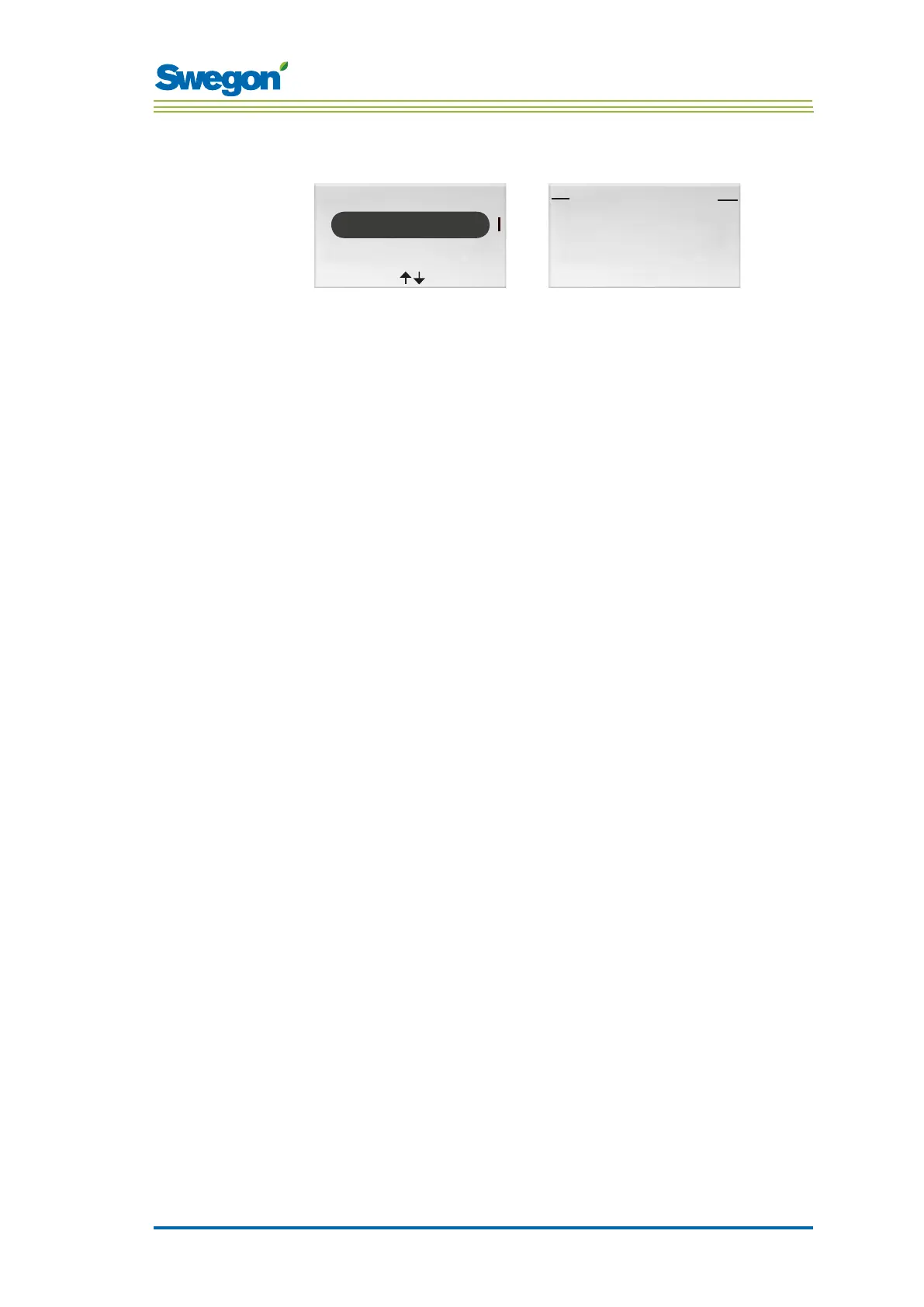
Figur 11. Imaage for selecting the RF pair-up and the RF connection image.
If no cable is connected between the controller and the room unit, the two
will communicate with one another via radio signals.
1. Go to the Service menu.
2. Highlight Settings.
3. Press OK or on the ►Right key.
4. Highlight RF pair up
5. Press OK or on the ►Right key.
6. Start the test by the ► Right key.
During the test, 100 messages are sent between the controller and
the room unit. The room unit calculates the number of successful
transmissions and displays them in the image.
• The test can be cancelled by pressing the ► Right key.
7. Press the ◄ Left key when the test is finished to return to the Settings
menu.
8. Return to the Service menu by pressing the ◄Left key.



 To Next Page