4 : 38
The menus of the room unit
Change language
RF Quality
<Exit
Select>
Language
FirstTime func
......................
.
..
Language
<Exit
.
[Swedish]
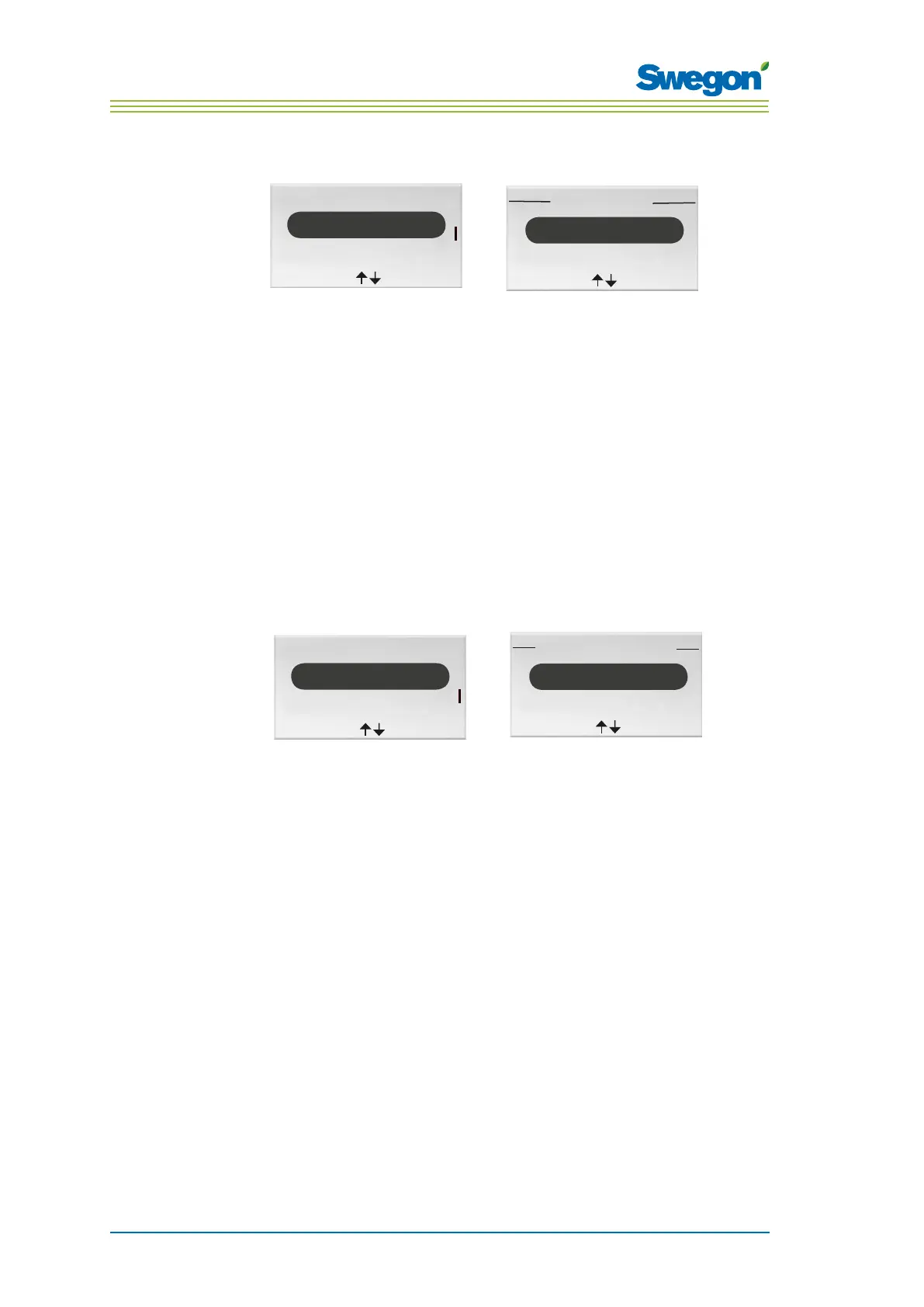
Figur 12. Image for selecting Language and the Language image.
1. Go to the Service menu.
2. Highlight Settings.
3. Press OK or on the ► Right key.
4. To highlight Language.
5. Press OK or on the ► Right key.
6. Select between the languages Swedish, English and Finnish by pressing
the ▲ UP or ▼ DOWN key.
7. Press OK in order to confirm the change and return to the Settings
menu.
8. Return to the Service menu by pressing the ◄ Left key.
To enable/disable the ”first open” function
Language
<Exit
Select>
FirstTime func
Temp. calibration
......................
.
..
..
FirstTime func
<Exit
[Off]
Figur 13. Image for selecting FirstTime function and the FirstTime function function image.
1. Go to the Service menu.
2. Highlight Settings.
3. Press OK or on the ► Right key.
4. Highlight FirstTime function.
5. Press OK or on the ► Right key.
6. Enable the function by selecting [On], disable by selecting [Off].
7. Press OK in order to confirm the selection and return to the Settings
menu.
8. Return to the Service menu by pressing the ◄ Left key.



 To Next Page