Getting Started 1 - 7
Unpairing
To temporarily unpair the scanner and host, press the Bluetooth button. This disables Bluetooth and the
Bluetooth button stops blinking. Pressing the Bluetooth button again re-pairs the scanner with the host.
To permanently unpair the scanner and host, scan Unpair on page 3-8. This allows the scanner to pair to a
different host device.
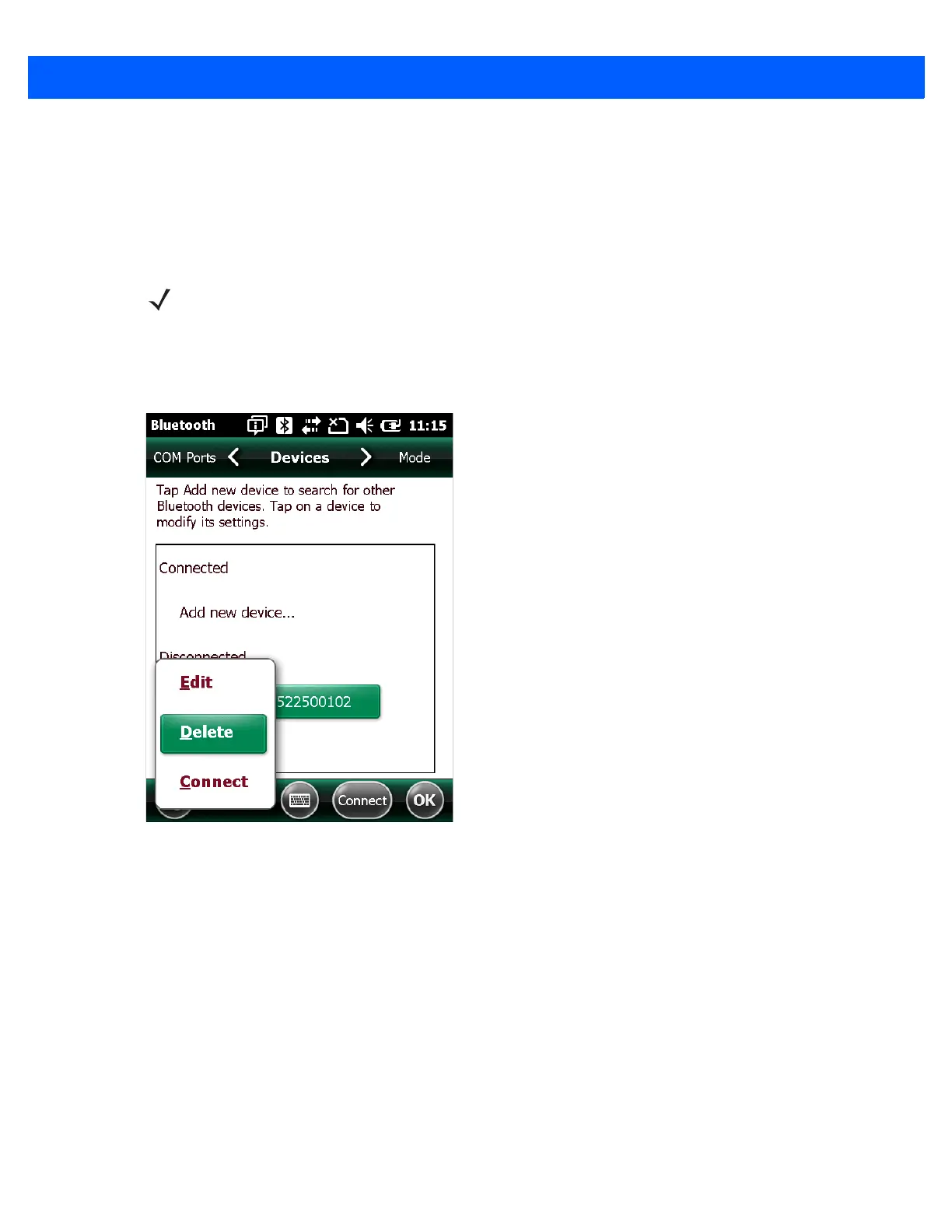
Deleting the CS4070 from the Device List
To delete the device from the discovered devices list, tap and old the device and select Delete.
Figure 1-5
Deleting Device
NOTE To enter batch scanning mode, the scanner cannot be paired to a Bluetooth host (applies to CS4070
model only).



 To Next Page