3 - 12 CS4070 Scanner Product Reference Guide
Radio Output Power
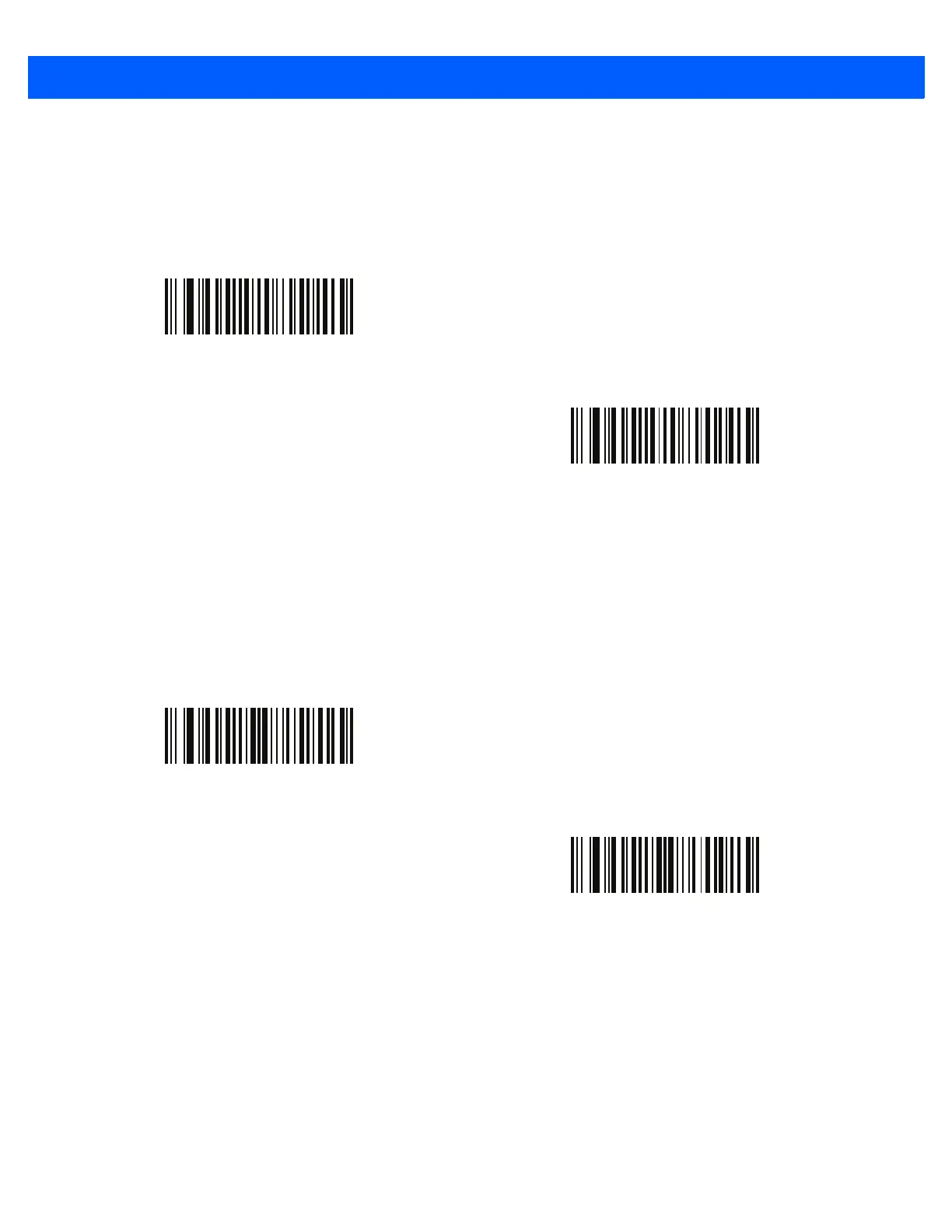
The CS4070 uses a Class 1 Bluetooth radio with a transmission range of up to 100m. To place the radio in a
Class 2 operating mode to restrict the transmission range to 10m and reduce the effect of the radio on
neighboring wireless systems, scan the Bluetooth Class 2 bar code.
Set HID CoD to Zero
Some versions of Broadcom stack experience issues when connecting to HID devices. If experiencing issues,
delete the CS4070 device from the Broadcom stack, enable ZeroOutHIDClassOfDevice on page 1-11 or scan
the Set HID CoD to Zero bar code below, and reconnect.
*Bluetooth Class 1
Bluetooth Class 2
*Use HID CoD
Set HID CoD to Zero



 To Next Page