User Preferences 3 - 11
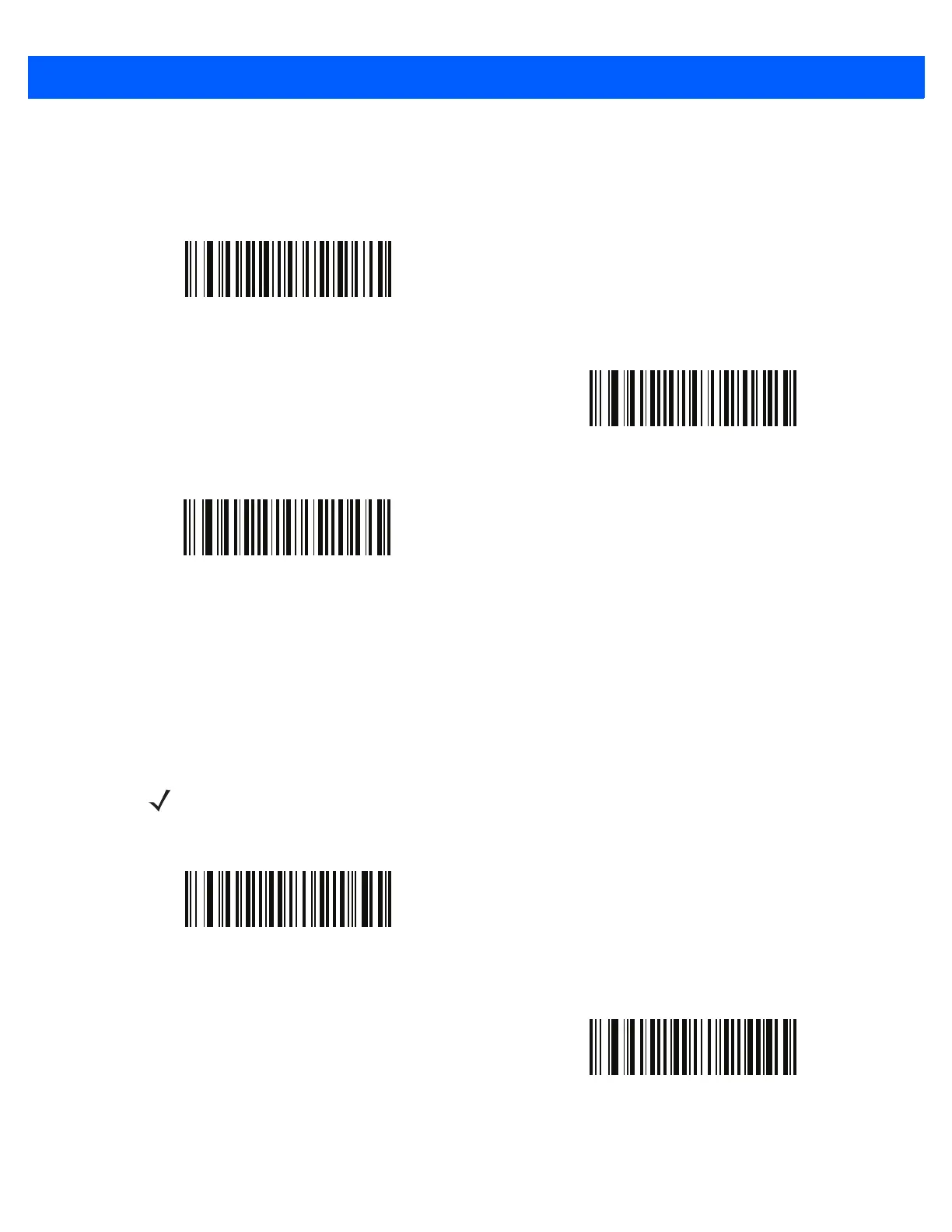
Connection Interval
Select the time period that the scanner attempts to connect or auto-reconnect to another device.
HID Security
Parameter # 911
Scan one of the following bar codes to set HID security as follows:
•
High - keyboard only, secure simple pairing capability
•
Low - no input/no output, secure simple pairing capability
*30 Seconds
1 Minute
5 Minutes
NOTE Some devices do not allow a connection in HID mode if this is set to low.
Set security to low to connect to Android devices in HID mode without entering a PIN code
*HID Security High
(2)
HID Security Low
(3)



 To Next Page